# Implicit Animations

> This page is about FlutterFlow Studio (the visual builder), not FlutterFlow (the app builder you use by describing your app).

URL: https://docs.flutterflow.io/concepts/animations/implicit

Learn how to add implicit animations in FlutterFlow Studio.

In Implicit Animation, the widget automatically animates to a new property's value when they are updated. For example, the container widget animates whenever you change its size and colors.

:::note
Implicit Animation is recommended only when you want to run the animation once (after the properties are changed).
:::

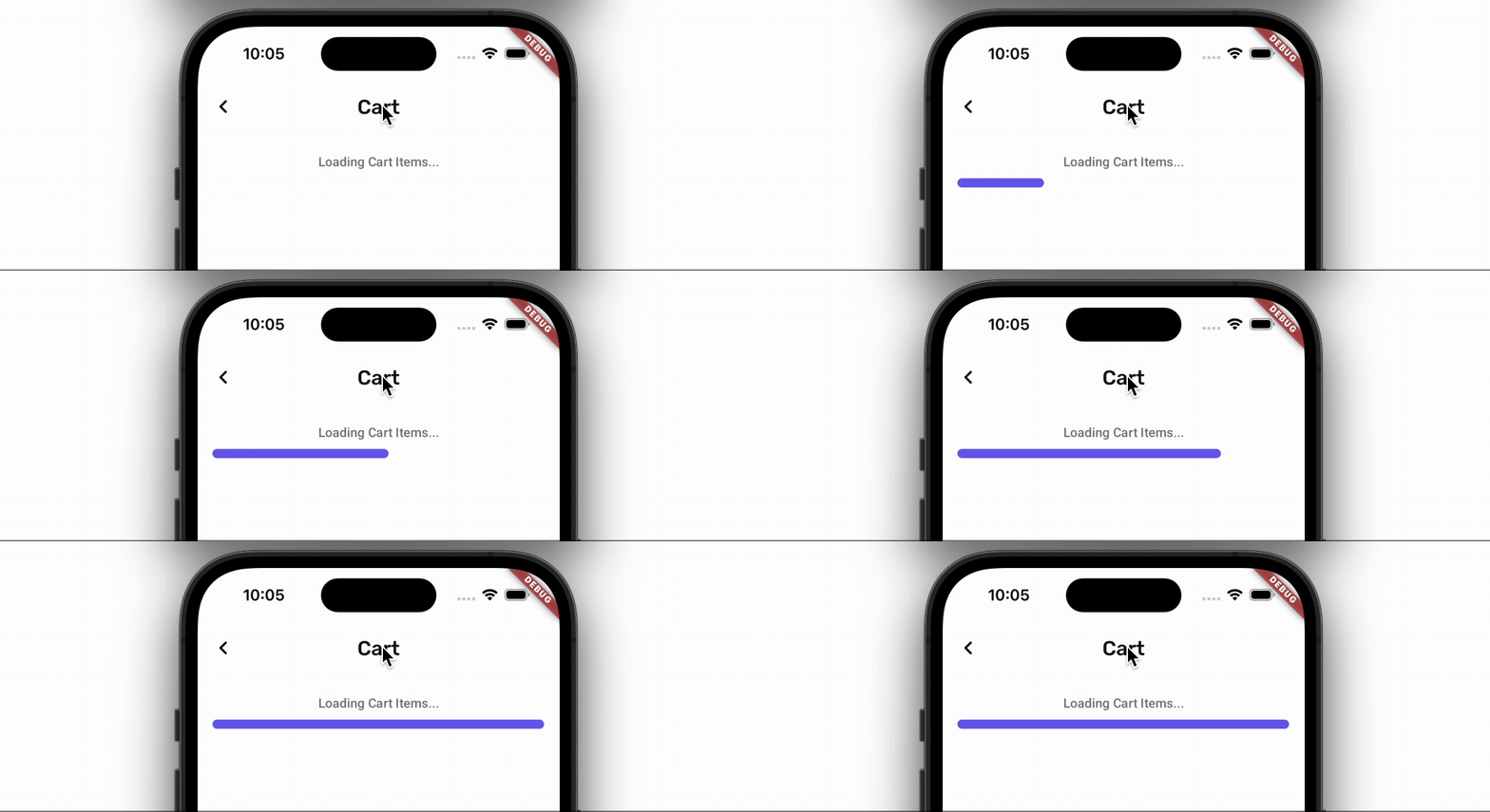
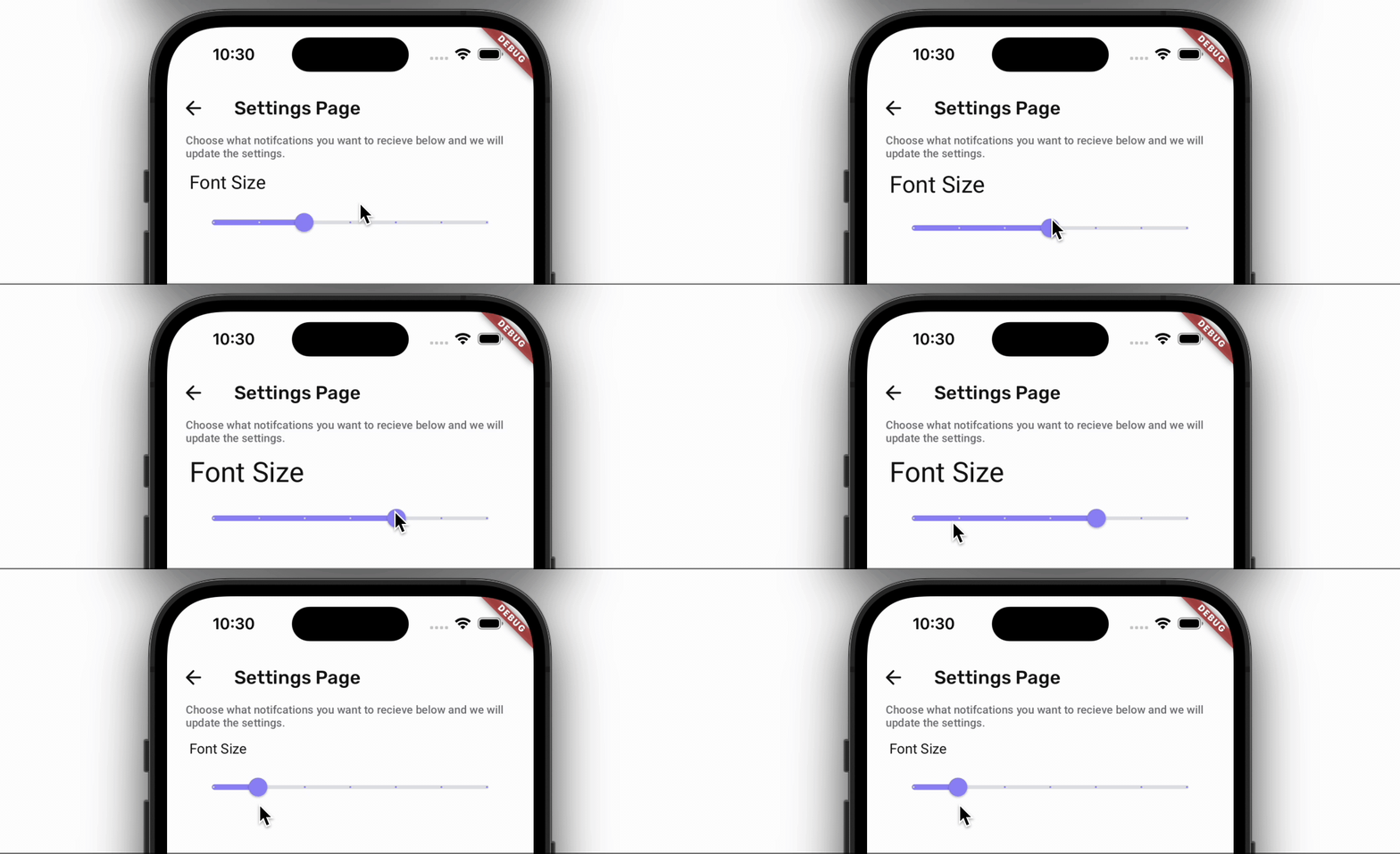
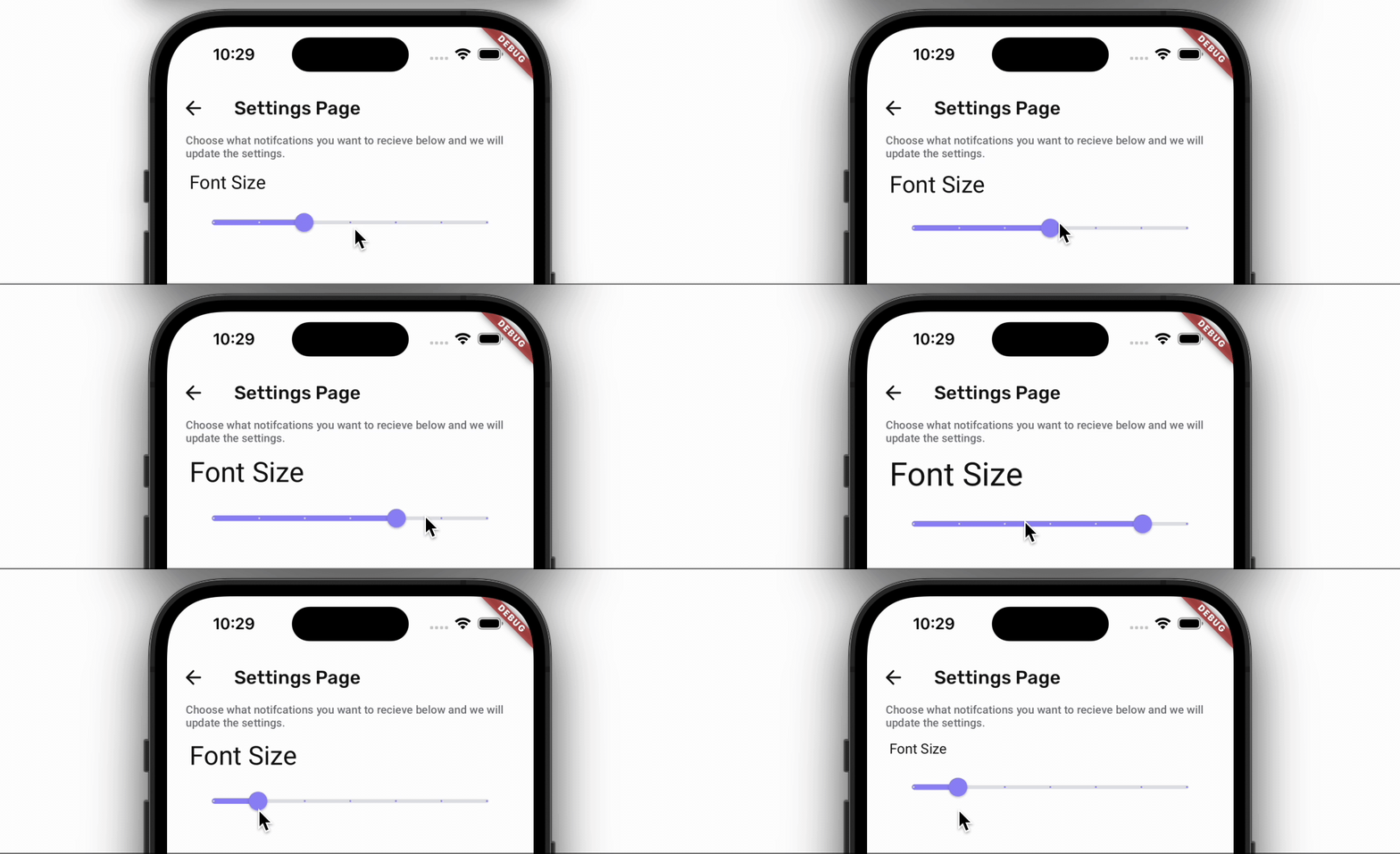
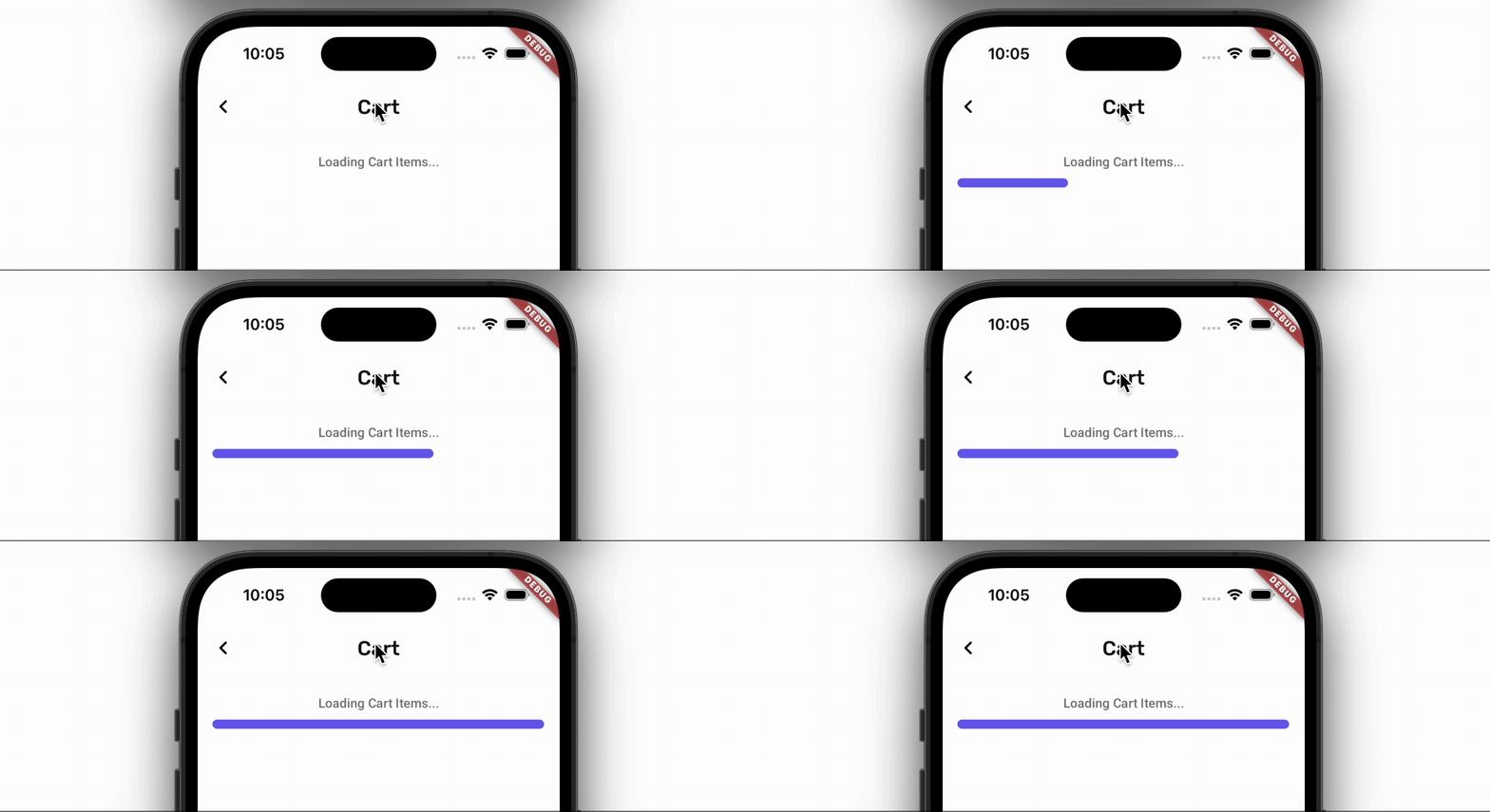
Here are some examples of how it looks when you update the widget properties with and without Implicit Animation.

|  | Without Implicit Animation | With Implicit Animation |
| --- | --- | --- |
| **Container** | ![Without Implicit Animation](https://docs.flutterflow.io/assets/images/without-implicit-animation-e6592770149d9db9e86d1e9b0b0d4d93.gif) | ![With Implicit Animation](https://docs.flutterflow.io/assets/images/with-implicit-animation-124cc1e1c70135504c7be7675ad78ef9.gif) |
| **Text** | ![Without Implicit Animation](https://docs.flutterflow.io/assets/images/without-implicit-animation-text-b58f28715f01ad899d063ee8d1cbb9c9.gif) | ![Wit Implicit Animation](https://docs.flutterflow.io/assets/images/with-implicit-animation-text-6b252df96edd2f6806e62c49904fea2d.gif) |

Here's an example of how you add the Implicit Animation on Container widget:
<div style={{
    position: 'relative',
    paddingBottom: 'calc(56.67989417989418% + 41px)', // Keeps the aspect ratio and additional padding
    height: 0,
    width: '100%'}}>
    <iframe 
        src="https://demo.arcade.software/3rbT4yu7bm4fXgLSpzXU?embed&show_copy_link=true"
        title=""
        style={{
            position: 'absolute',
            top: 0,
            left: 0,
            width: '100%',
            height: '100%',
            colorScheme: 'light'
        }}
        frameborder="0"
        loading="lazy"
        webkitAllowFullScreen
        mozAllowFullScreen
        allowFullScreen
        allow="clipboard-write">
    </iframe>
</div>
<p></p>