Download File
The Download File action allows you to enable users to download or save files locally on their devices.
Download File [Action]
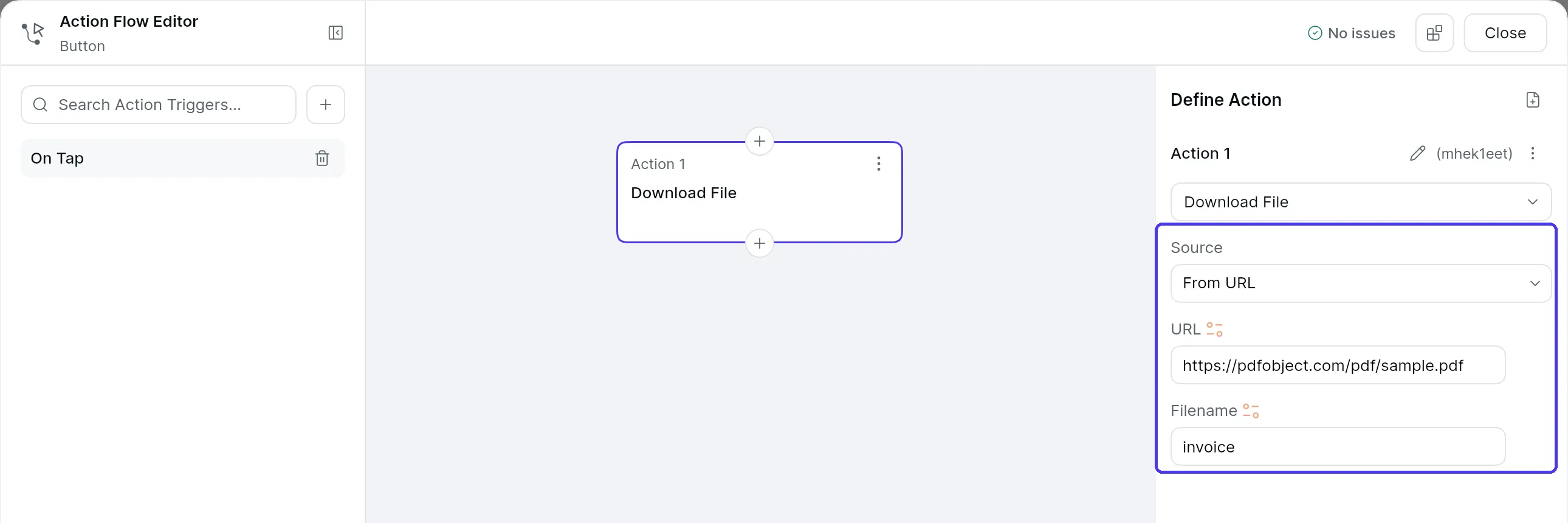
To add a Download File action, select the Widget (e.g., button or any interactive widget) where you want users to initiate the file download and set the Source to one of the following.
- From URL: Use this option for downloading files that are accessible through a direct link and specify the URL of the file that should be downloaded.
- From File (Bytes): Use this option when the file is uploaded to the device using the Local Upload (Widget State). You can access the file via Widget State > Uploaded Local File.
Optionally, you can specify a Filename to be used when the file is downloaded.
Last updated on