App icon
Choose an icon for your app and preview how it looks on iPhone and Android.
Change the icon
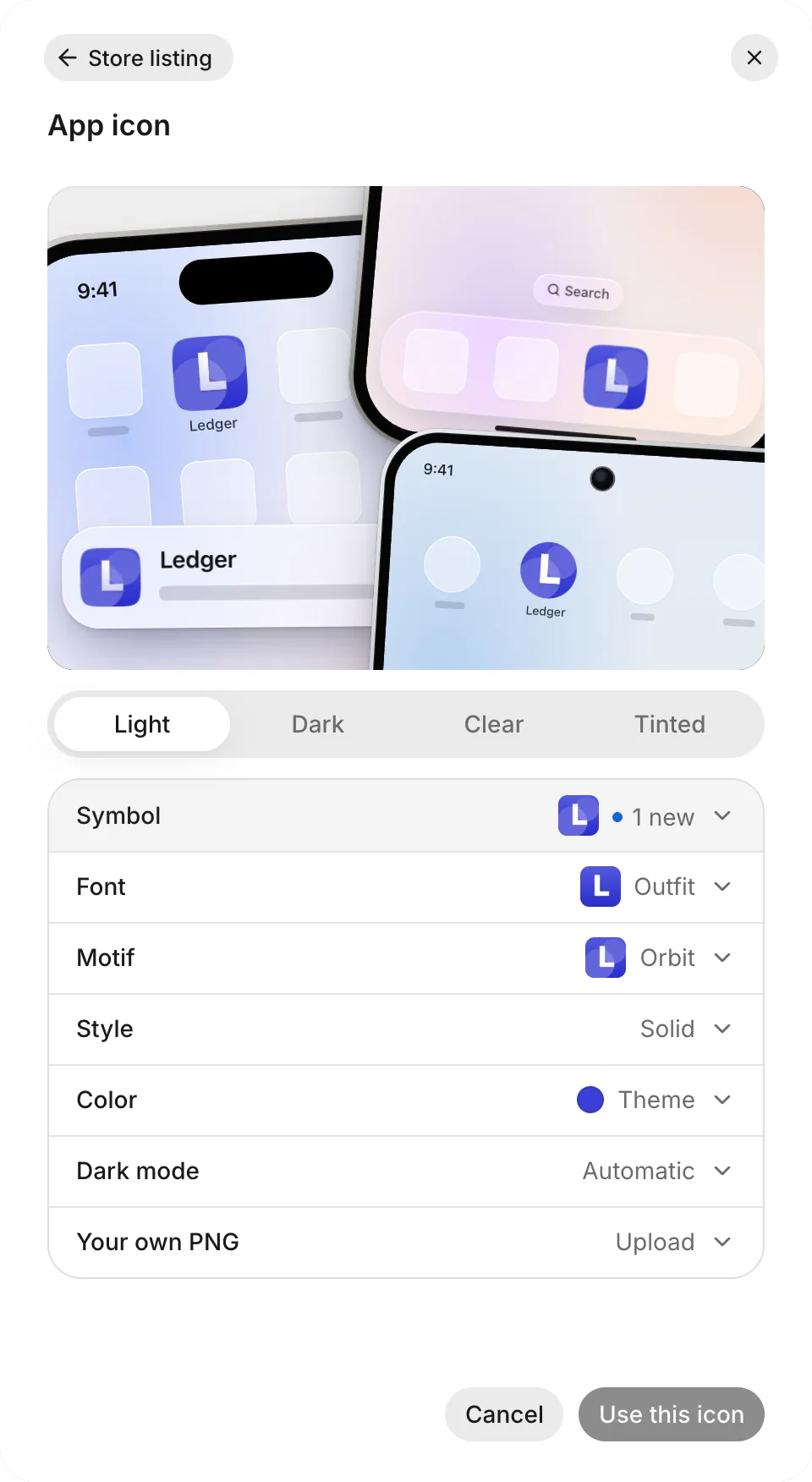
Preview and save your icon in the App icon drawer:
- Open Overview and select your app’s icon to open App icon.
- Under Symbol, select a symbol or the lettering tile. To generate more symbols, select the plus (+) tile at the end of the row, optionally describe what you want, and select Draw.
- For a lettering icon, enter the text in Letters (or leave it blank to use your app’s initial), choose a typeface in Font, and optionally add a background shape in Motif. Drawn symbols disable Font and Motif.
- Choose Style and Color. The first swatch uses your app’s theme color. To change it, select another swatch or Your own color.
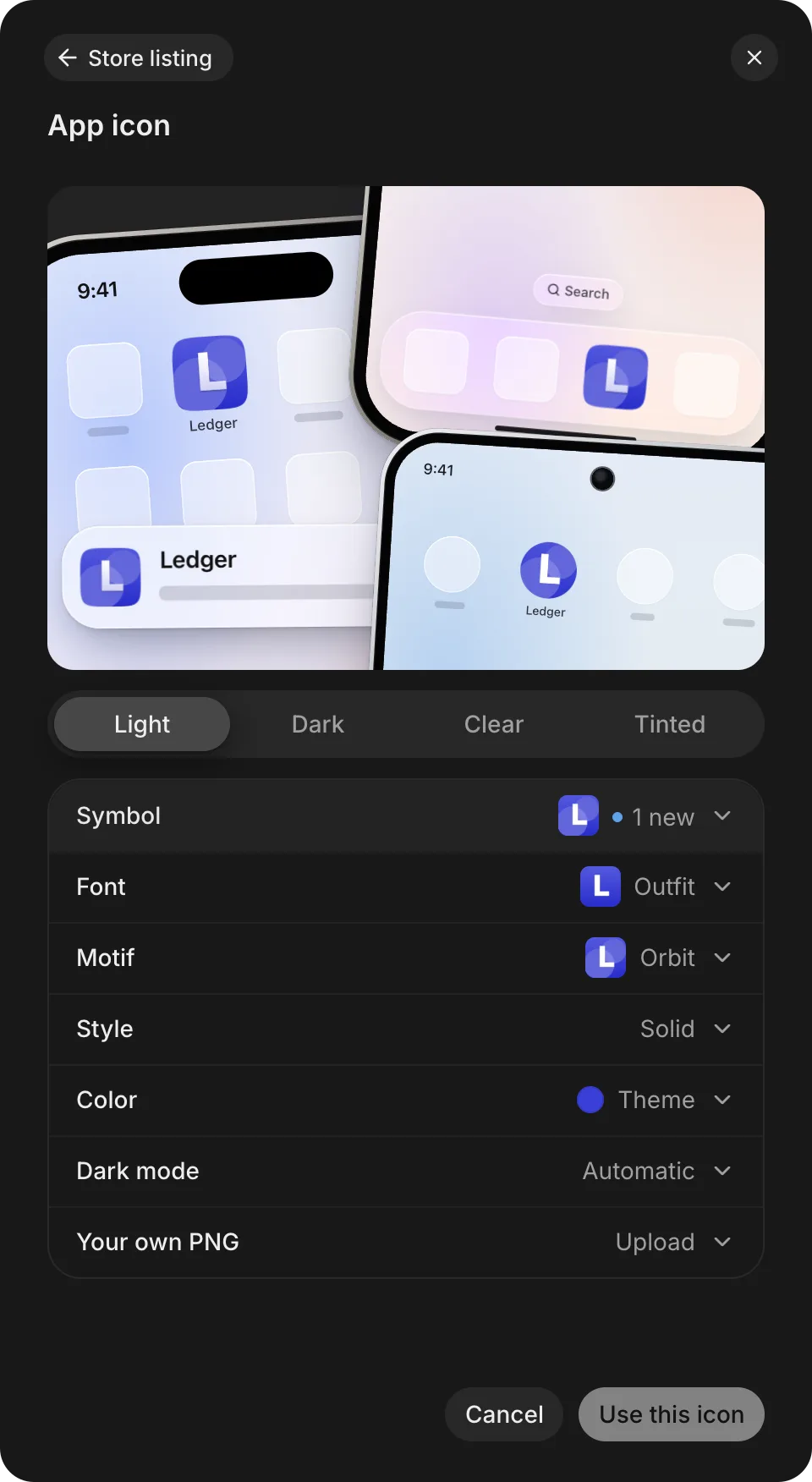
- In Dark mode, keep Automatic, or select Custom and choose a dark style for iPhone (Android generates its own themed icon).
- Preview the icon across Light, Dark, Clear, and Tinted. Under Tinted, Phone tint adjusts only the preview. Users choose their own tint on their phones.
- To save, select Use this icon.
To revert to the saved icon without closing the drawer, select Reset.
Phones get the new icon with your next release. See Release an update.
Your own PNG
Your own PNG uses a finished image as the icon and bypasses the symbol style and color controls. To use a PNG:
- Open App icon and expand Your own PNG.
- Select Choose PNG, and then choose your file. The PNG must be 1,024 by 1,024 pixels and under 1 MB.
- Check the preview, and then select Use this icon.
To switch back to a symbol design, select Your own PNG › Remove, adjust the symbol controls, and select Use this icon.
Icon cards
The agent can suggest or update your icon directly in a thread:
- On a suggestion card, select a symbol to save it as the app icon.
- On a change card, select Undo (when available) to restore the previous icon design.
- On a color-change card, select Keep the old color (when available) to keep the previous icon color.
- To customize the icon in the drawer, select Open App icon.
Troubleshooting
For problems drawing symbols, uploading a PNG, or seeing the icon on a phone, see Troubleshoot the look and icon.