What you can build
FlutterFlow builds iPhone and Android apps from your description, and you can also open your app in a browser with a link. This page covers which apps suit FlutterFlow best, where your app runs, what’s built into FlutterFlow, and what you ask the agent to add.
Apps that fit
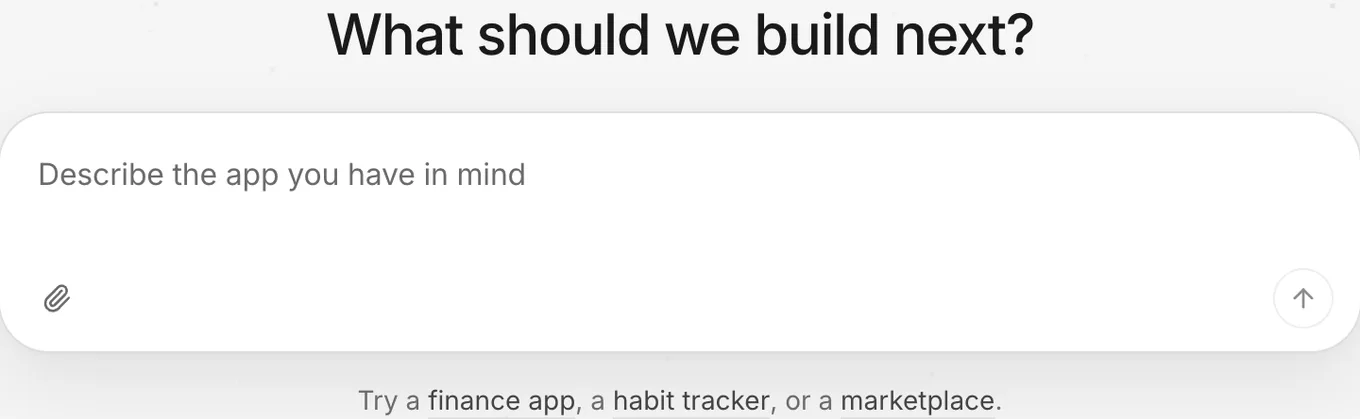
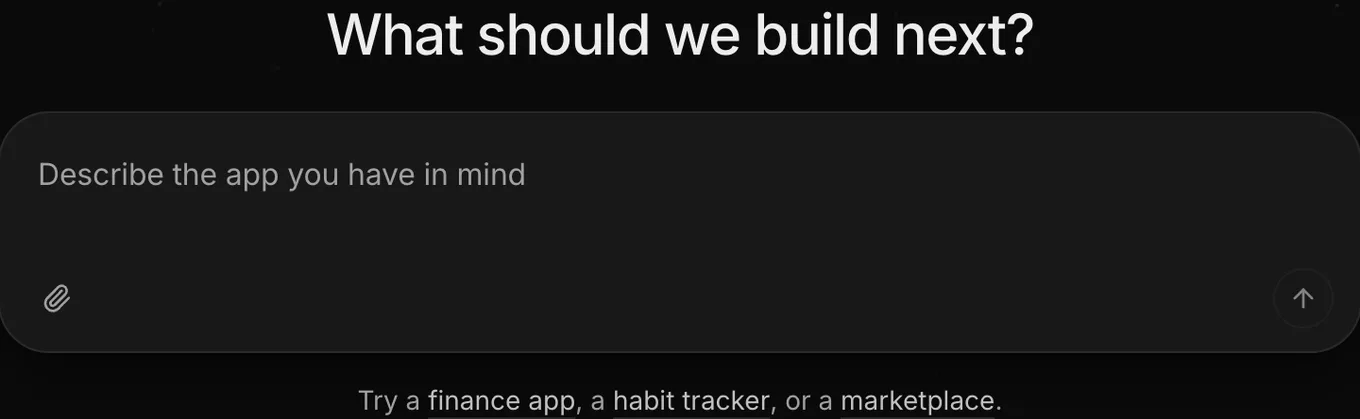
FlutterFlow builds mobile apps, and its examples cover money, habits, and shopping. When you start a new app, FlutterFlow offers three examples under the prompt box: a finance app, a habit tracker, and a marketplace. To fill the prompt box, select any example, and then edit the prompt. See Write a prompt.
Where your app runs
Your app runs in three places: in the preview inside FlutterFlow, in a browser through a share link, and as a phone app on iPhone and Android.
Owners and developers build iPhone and Android apps in Releases, which also handles testing and review in the App Store and Google Play through your own developer accounts.
Share › Link publishes your app on the web. Anyone with the link can open your app in a browser. Some browsers, including those on iPhone and iPad, also show an Install button to add the app to the device. FlutterFlow assigns the link’s address.
See Put it on the web and Ways to run your app.
Built in
FlutterFlow includes the following ready-to-use parts:
- The agent: builds and updates your app’s screens, behavior, and look when you ask in a thread.
- A built-in backend: stores your app’s records, signed-in people, uploaded files, and secrets. See How the backend works.
- Connections: let your app and the agent call outside services. See How connections work.
- Share links: open your app in a browser.
- Releases: builds your phone apps and sends them to the stores.
What you ask for
You build and change your app’s screens, behavior, and look by asking the agent in a thread. Owners and developers can start threads, and the person who starts a thread pushes its changes to your app when they’re ready. See Push.
You can ask the agent to set up features that run on FlutterFlow’s built-in tools:
- Records and files: describe what your app saves and who can access it. See Tables and fields.
- Sign-in: let people sign in with an email and password, as a guest, or both. Google and Apple sign-in aren’t available. See Add sign-in.
- Payments: take one-time payments or subscriptions through Stripe Checkout after an owner connects Stripe. See Stripe.
- Other services: call services that an owner connects in Project Settings › Connections. See Connect a service.
To add a feature such as maps, ask the agent in a thread. While the agent builds a feature like this, it tells you that it can’t try the feature.
What isn’t available
The agent writes and updates your app’s code in threads. You can download your app’s compiled phone builds from FlutterFlow, but you can’t download or export its source code or send it to GitHub.
To give the agent code to work from, paste it into a message or attach it as a text file. For the full list of what FlutterFlow doesn’t include and what to do instead, see Not available.