Test sign-in
Use test accounts to check what different people can see and do in a thread’s preview.
Your thread’s app needs sign-in. See Add sign-in.
Add a test account
To add a test account in the thread’s Data › Accounts section:
- Open the thread’s Data tab.
- In Accounts, select Add account.
- Enter Name and Email.
- Keep the generated Password, or enter your own.
- If your app defines roles, choose or enter the Role to test.
- Select Add account.
To reuse accounts in future threads, turn on Keep for new threads and push the thread. For more information, see Thread data.
Edit an account
To edit a test account from Data › Accounts:
- Select the account’s name.
- Edit Name, Email, or Password. If your app defines roles, you can also edit Role.
- Select Save.
The builder account (You) has different fields. For more information, see the builder account in your app’s preview.
Sign in as an account
To check an account’s experience in the thread’s preview:
-
In Data › Accounts, select the account’s name.
-
Select Sign in as followed by the account’s name.
AccountsARAlex RiveraNew hereThis thread’s data. Saving changes it here, not in your app.In this thread’s previewSign in as Alex RiveraNameAlex RiveraEmail *alex@example.comPasswordkq7m-rh4x-2pnw-9tcvKeep for new threadsNew threads start with it once you push.Delete account -
Open Preview and test the screens and actions.
The preview restarts as that account. To test entering an email and password on the sign-in screen, sign out from the preview’s account switch (see Switch preview accounts).
Switch preview accounts
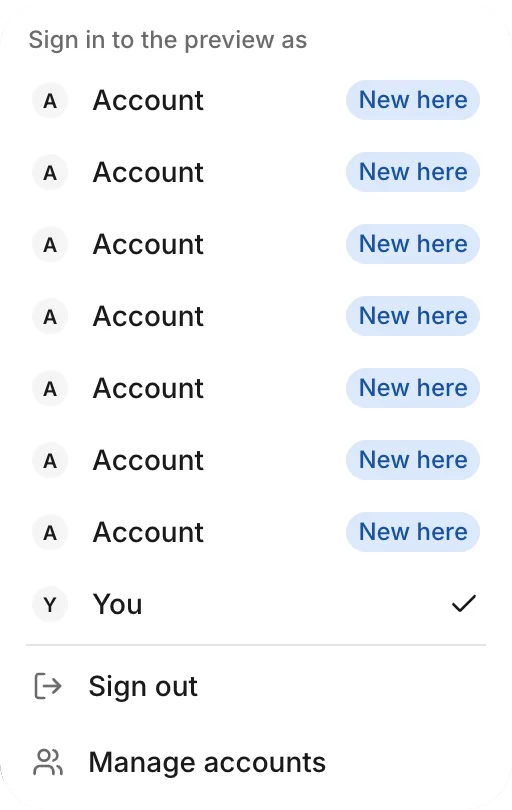
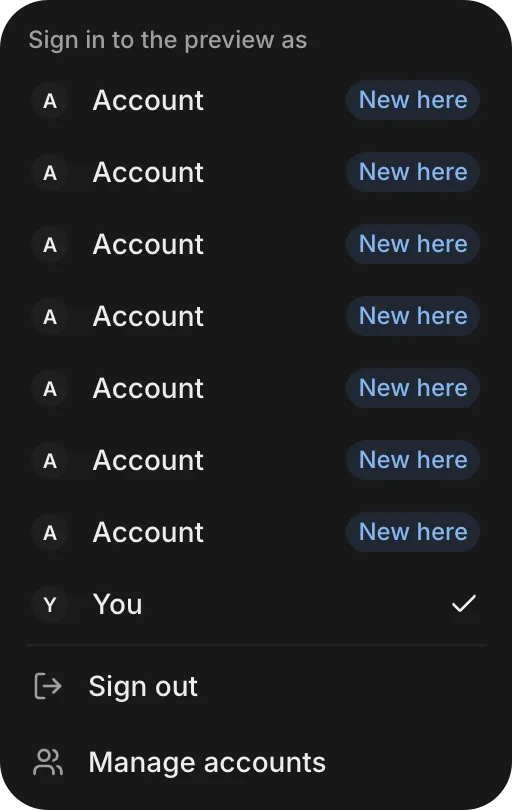
The preview’s account switch lets you change accounts without returning to Data. It appears when the app has sign-in and at least one available account besides You.
To switch accounts in the preview:
- In Preview, open the account switch in the preview toolbar. It shows the active account’s name.
- Under Sign in to the preview as, select another account.
- Try the same actions to compare what that account can do.
To clear the preview’s session, select Sign out. To return to Data › Accounts, select Manage accounts.
Troubleshooting
For problems loading or changing the thread’s accounts, see Troubleshoot data and sign-in.