Studio concepts
This page maps FlutterFlow Studio concepts to their FlutterFlow equivalents and lists the words that mean different things in each product.
Concept map
Most Studio concepts map either to something you ask the agent for in a thread or to an area of FlutterFlow. The following table lists Studio concepts and their FlutterFlow equivalents:
| In FlutterFlow Studio | In FlutterFlow | Notes |
|---|---|---|
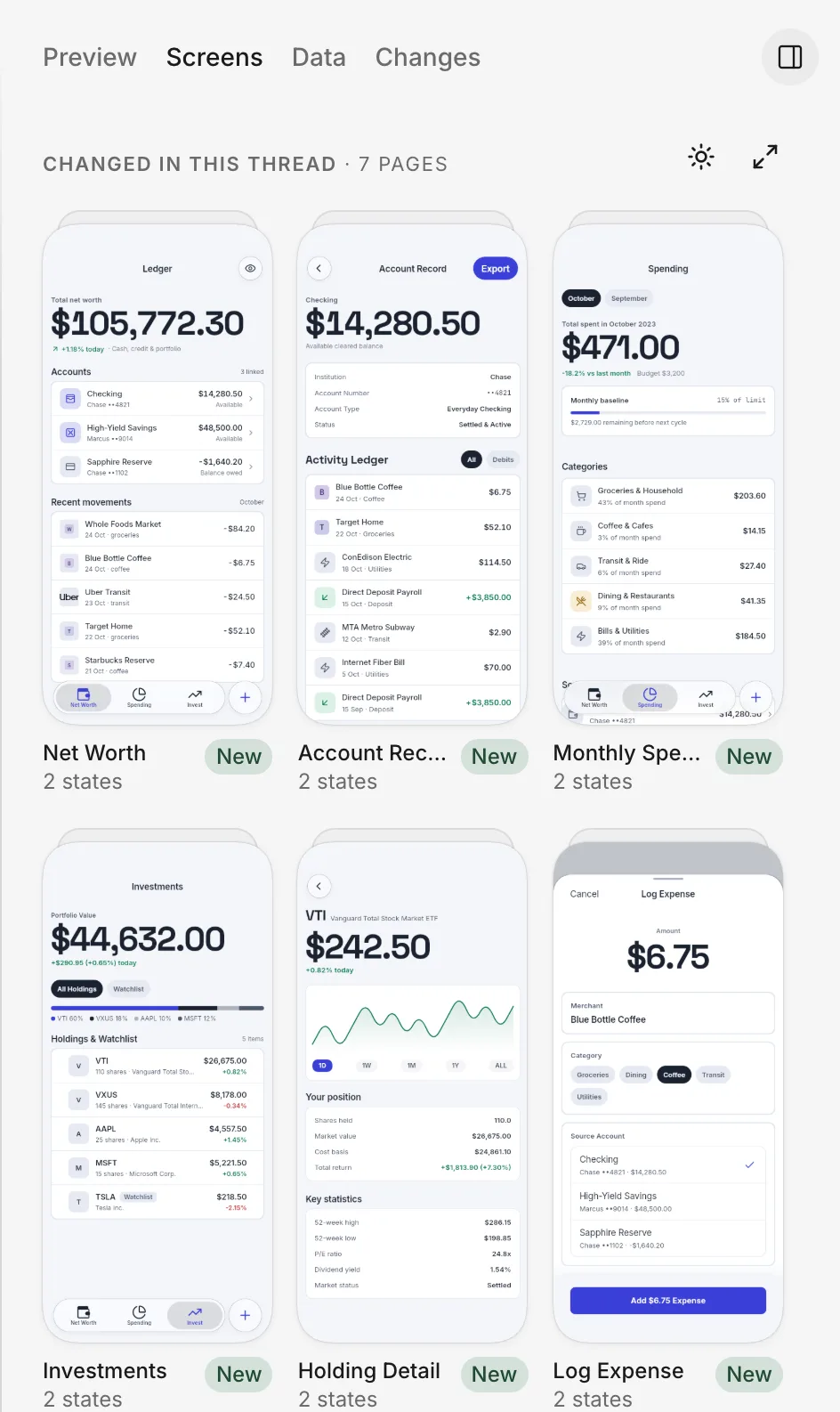
| Widgets, components, the widget tree, and the canvas | Not available. Describe the screen or part of a screen you want in a thread, and the agent builds it. | Check the result on the thread’s Screens tab. See Ask for a change. |
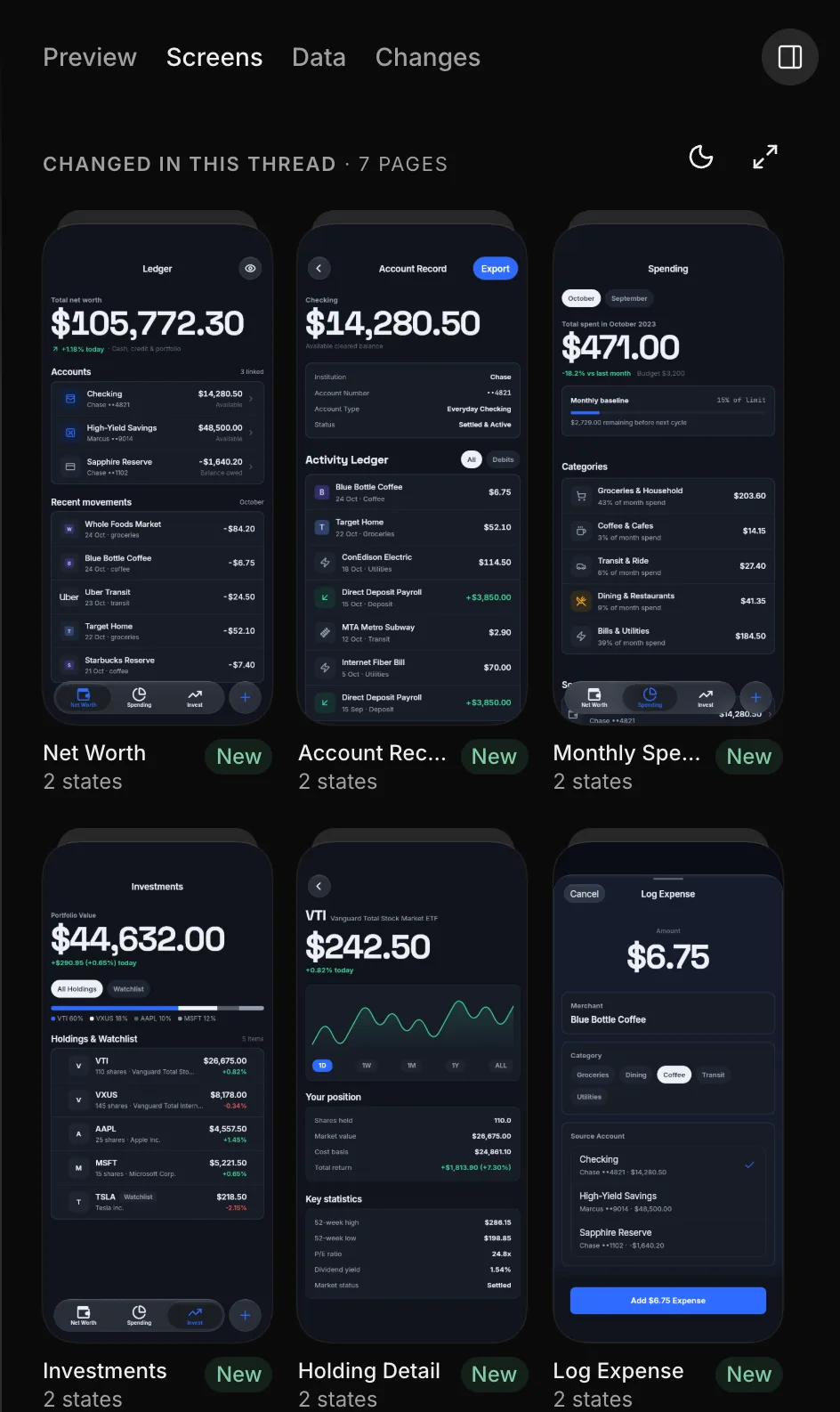
| Pages | Pages. You see pictures of them on the thread’s Screens tab. | |
| Actions, logic, and app state | Not available. Describe what you want the app to do in a thread. | |
| Theme settings | Not available. Describe the look you want in a thread. | See Change the look. |
| Custom code | Not available. Paste the code in your message, or attach it as a text file, such as a .txt or .md file. |
See Attachments. |
| Code export and download | You can download your app’s built phone files. | See App files. |
| GitHub and version control | Threads and push. Each thread has its own copy of your app, and Push to your app moves the thread’s changes into your app. | See How threads work and Push. |
| Firebase and Supabase | Backend, which is built in and stores your app’s data, signed-in people, files, and secrets. | See How the backend works. |
| API calls | Connections, in Project Settings › Connections: the services that your app and the agent call. | See Connect a service. |
| Run mode, Test mode, and Local Run | The thread’s Preview tab, a share link, or a test build on your phone. | See Ways to run your app. |
| Web publishing and custom domains | A share link from Share › Link. | See Web publishing and share links later on this page. |
| App Store and Google Play deployment | Releases | See How releasing works. |
| Desktop apps | Not available. Releases builds your app only for the App Store and Google Play. | See Not available. |
| AI credits | Your allowance: a budget of agent work that resets. | See Plans, prices and allowance. |
| Dashboard | Home, which lists your apps. | See Find your way around. |
The agent writes and updates your app’s code in threads. You can download your app’s compiled phone builds from FlutterFlow, but you can’t download or export its source code or send it to GitHub.
Web publishing and share links
Share › Link publishes your app on the web. Anyone with the link can open your app in a browser. Some browsers, including those on iPhone and iPad, also show an Install button to add the app to the device. FlutterFlow assigns the link’s address.
See Put it on the web.
Same word, different meaning
The following words mean something different in Studio. The table lists what each word means in FlutterFlow:
| Word | In FlutterFlow |
|---|---|
| Project | Your app. The word appears in labels such as Project Settings. |
| Version | A build of your app for the App Store and Google Play, listed in Releases. |
| Theme | FlutterFlow’s own light, dark, or system appearance, chosen under Theme in the account menu. |