Live, thread and starter data
FlutterFlow keeps three copies of its data: your app’s live data, each thread’s own data, and starter data. The copy you change decides who sees the change: everyone who uses your app, only one thread, or new threads and the open threads that take the update.
The three copies
Each copy of your app’s data has its own place in FlutterFlow:
| Copy | Where you see it | What it is |
|---|---|---|
| Live data | Backend › Data | Your app’s real data. Saving a record updates your app for everyone. Owners and developers can change records. |
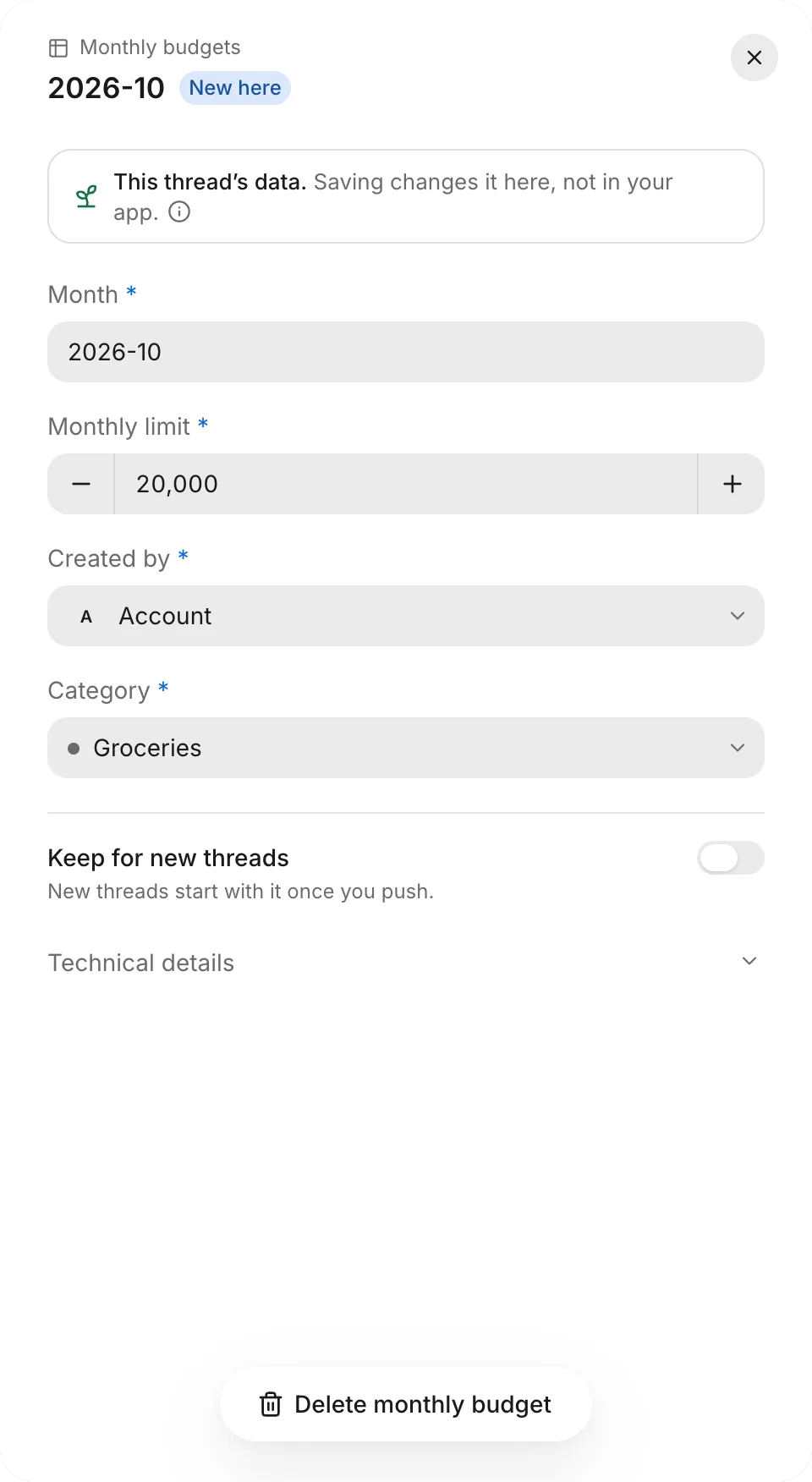
| This thread’s data | A thread’s Data tab | A thread’s own copy of your starter data, for testing. Saving a record changes it in the thread, not in your app. Only the thread’s creator can change it. |
| Starter data | Backend › Starter data | The accounts and records that every new thread starts with. You can’t edit starter data in Backend; it updates when you push a thread. |
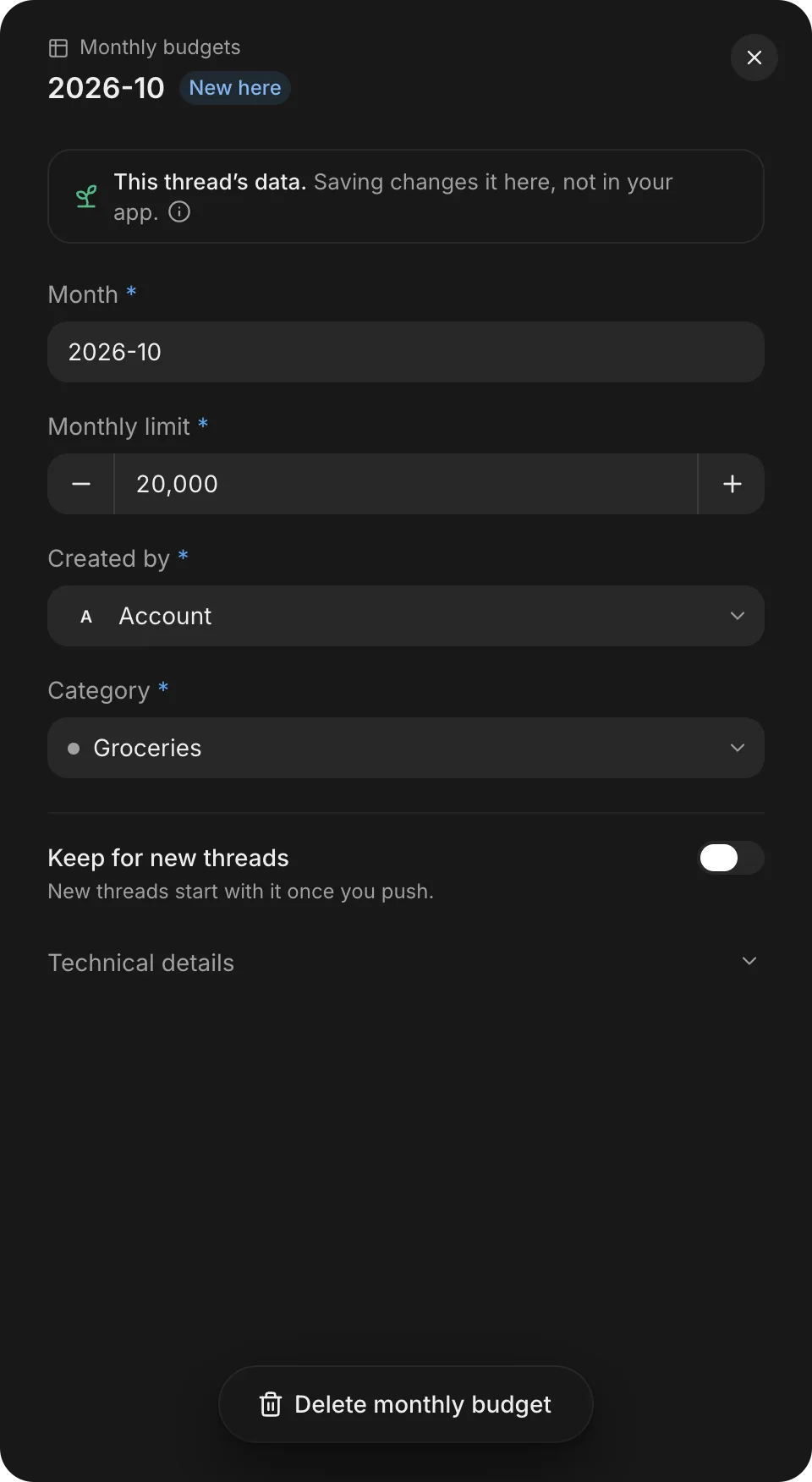
A record’s sheet shows which copy you’re viewing. On a thread’s Data tab, the sheet starts with This thread’s data. In Backend, when you can change the record, it starts with Live data.
How data moves
Data moves between live data, this thread’s data, and starter data in four ways:
- From starter data to a new thread. Each new thread starts with its own copy of your starter data. Changes you make in a thread’s data stay in that thread unless you keep them for new threads. When you push the thread, FlutterFlow doesn’t copy the rest of its data into your live data.
- From starter data to an open thread. When your starter data changes after you start a thread, the thread’s creator sees Your starter data changed since this thread started on the thread’s Data tab, with an Update button. Selecting Update brings the new starter data into the thread while keeping the edits you made in the thread.
- From a thread to starter data. To include a record or an account from a thread in new threads, turn on Keep for new threads for it, and then push the thread. See Thread data.
- From starter data to live data, once per table. The first time a push brings starter rows for a table, including rows kept for new threads, FlutterFlow adds that table’s shared rows to your live data. When your app has email sign-in, FlutterFlow also adds the rows that belong to you. It omits rows that belong to another starter account or rows that point at them. Once a table has rows in your live data, they behave as ordinary rows, and later changes to that table’s starter data don’t affect them.
Which copy each one uses
Your app’s share links, test builds, and Overview preview all use live data. Adding, editing, or deleting data in the Overview preview changes your live data directly.
Your live data can also hold the builder account (You).