How threads work
A thread is a conversation with the agent about your app. Each thread works on its own copy of your app, so its changes affect your app only when you push them.
Its own copy of your app
Every thread works on its own Copy of your app, labeled above the thread’s preview. Its changes stay in the thread until you push them.
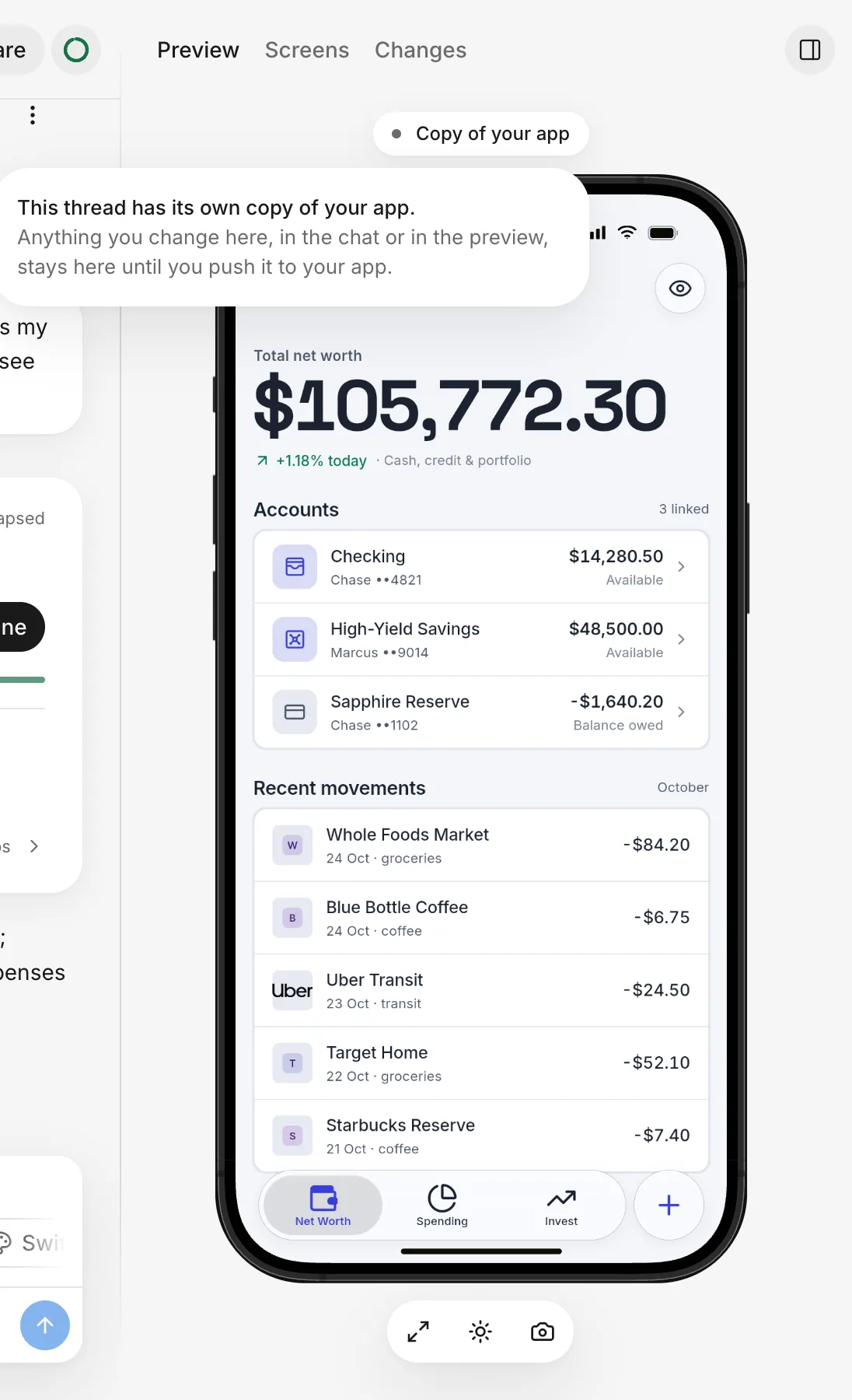
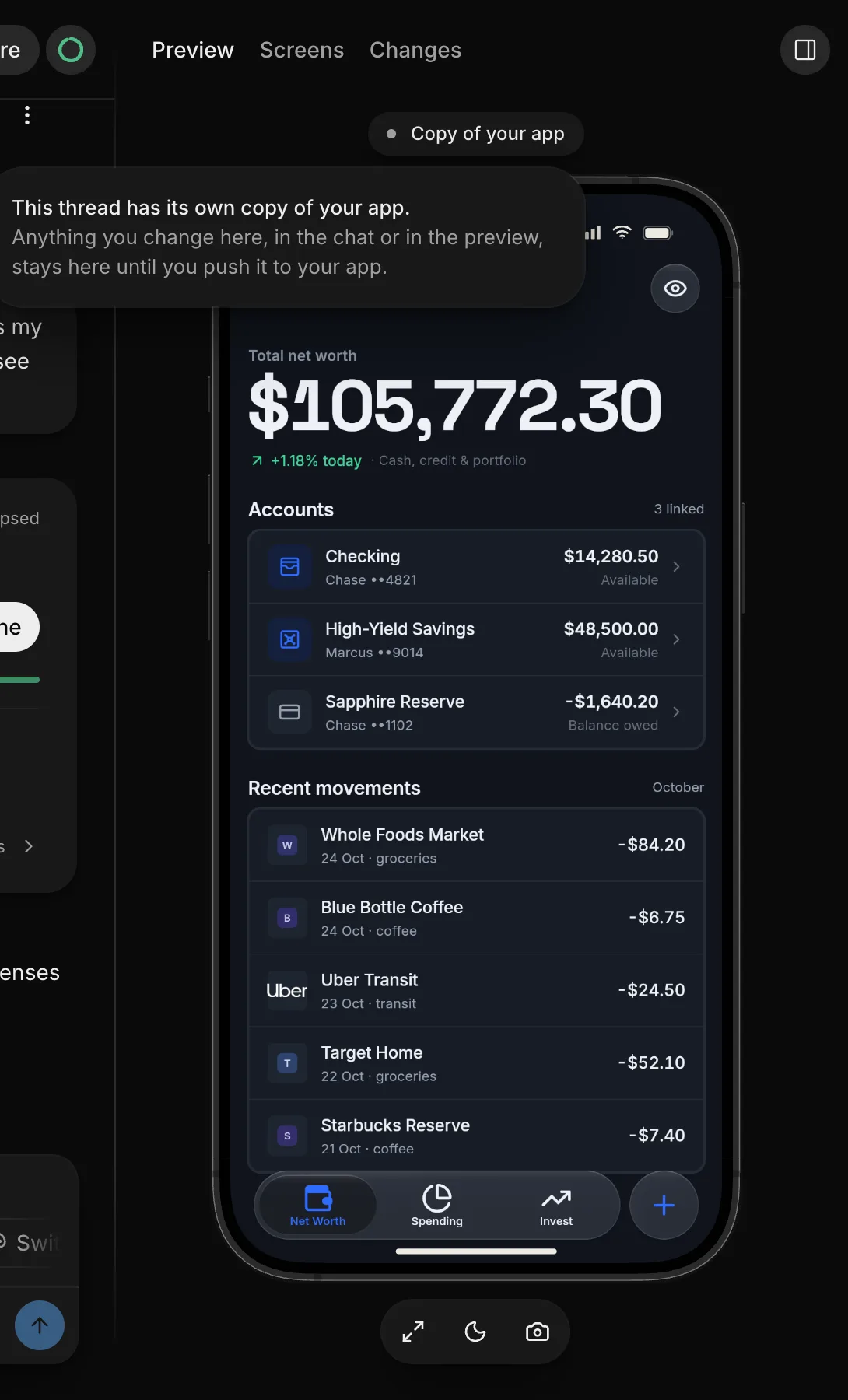
A thread also has its own copy of your app’s data, so records you save in it don’t change your live data. See Thread data.
Multiple threads
You can keep multiple threads open, and the agent can work in all of them at once. Your plan doesn’t limit how many, but the agent’s work in each one uses your allowance.
You can push only one thread to your app at a time. After you push a thread, your other open threads can pull in its changes. See Multiple threads.
Only the creator can act in a thread
A thread belongs to the person who started it. Only that person can send messages, answer the agent, edit the thread’s data, or push the thread.
Teammates who open your thread can watch it in real time, and see: “You’re watching this conversation as it happens. Only its creator can interact. Start your own thread to work on this project.” When the agent asks a question, teammates see “Only” and your first name, followed by “can answer. You can follow along.”
To learn who can start a thread, see Start a thread.
Pushing
Your app, the version you use and share, updates only when you push a thread to it. To push, the thread’s creator clicks Push to your app. The agent can’t push on its own. The only exception is your first version, which FlutterFlow puts in your app automatically.
See Push.