Multiple threads
When you work in several threads, you bring in what your other threads pushed, decide what to keep when two threads change the same thing, and push one thread at a time.
Get changes from other threads
After another thread pushes to your app, your other threads show a Your app card that names what came in, for example, “Gift cards was pushed from another thread and isn’t in this thread yet.”
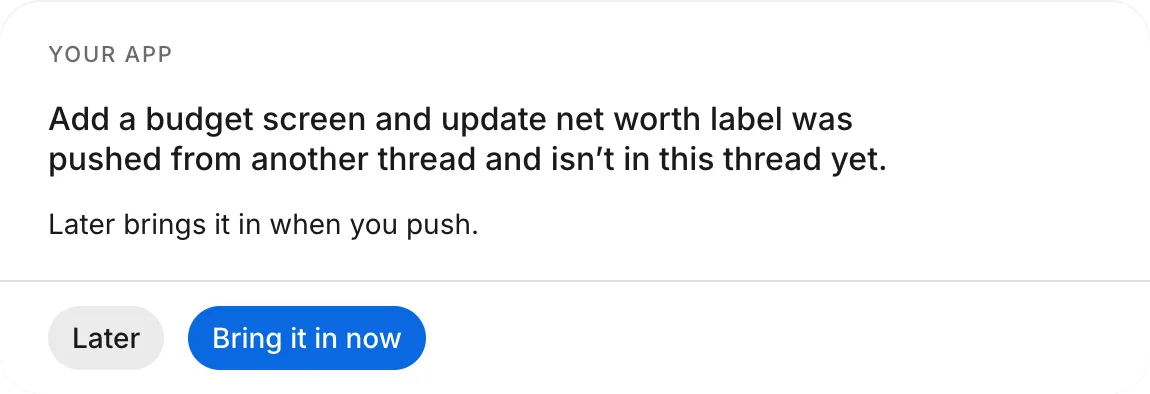
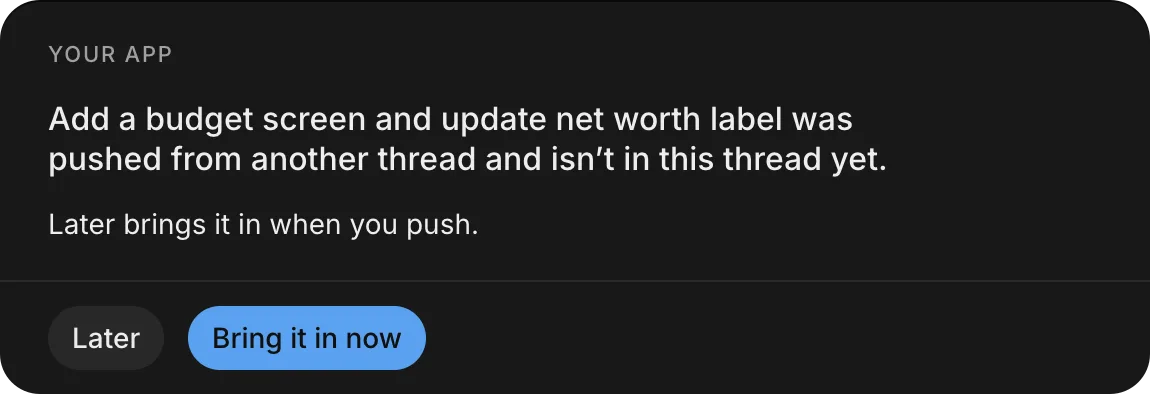
To bring the changes in:
- On the Your app card, choose when the changes come in:
- To bring them in now, click Bring it in now.
- To wait until you push this thread, click Later. Your next push brings in everything that your other threads pushed.
- If both threads changed the same thing in different ways, the agent asks which one to keep. See Resolve conflicts.
After you bring the changes in, the thread’s preview and the agent’s next changes include it. Bringing changes in doesn’t change your app: only Push to your app sends this thread’s changes there.
Resolve conflicts
When you push a thread, the push first brings in what’s new in your app. If your app and this thread changed the same thing in different ways, such as a color or a label, the agent doesn’t choose for you. It pauses the push and asks a Question: what your app already has and which change it came from, what this thread changes, and one choice for each.
While the push waits:
- The Push card in the thread shows “Pushing waits for your answer”.
- The button above the message box reads Push waits for your answer.
- In the thread list, the thread is under Needs you, with “Your push waits for your answer”.
To finish the push:
- Open the thread.
- In the Question card, choose the version to keep, or enter your answer in your own words.
The agent resolves the difference as you said and continues the push.
If you send a different request instead of an answer, the agent stops the push and does what you asked. To cancel the push yourself, click Cancel next to Push waits for your answer. See Cancel a push.
One push at a time
Only one thread can be pushed to your app at a time. While another thread’s push runs:
- Push to your app is unavailable in your other threads. Point to it to see ““Gift cards” is being pushed; one goes at a time.”
- The thread’s header shows “Waiting for “Gift cards” to finish pushing”.
A push that’s waiting for your answer doesn’t count: while it waits, your other threads can push.
When the other push finishes, push your thread as usual. See Push.