Platforms and devices
This page lists where your app runs, which phone the preview shows, and what FlutterFlow builds your app with.
Where your app runs
Your app runs on iPhone and Android phones, and in a browser through a share link. FlutterFlow doesn’t build desktop apps.
| Platform | How people get your app | App file |
|---|---|---|
| iPhone | TestFlight, then the App Store | iPhone app (.ipa) |
| Android | Install it on an Android phone yourself, or get it from Google Play | Android app (.apk) to install yourself; Google Play file (.aab) for Google Play |
| Browser | Open a share link in a browser | None |
To compare these ways of running your app, see Ways to run your app.
iPhone builds
FlutterFlow builds your app for iPhone only, so the App Store requires no iPad screenshots.
To install your app on your own iPhone, see iPhone test build.
The preview device
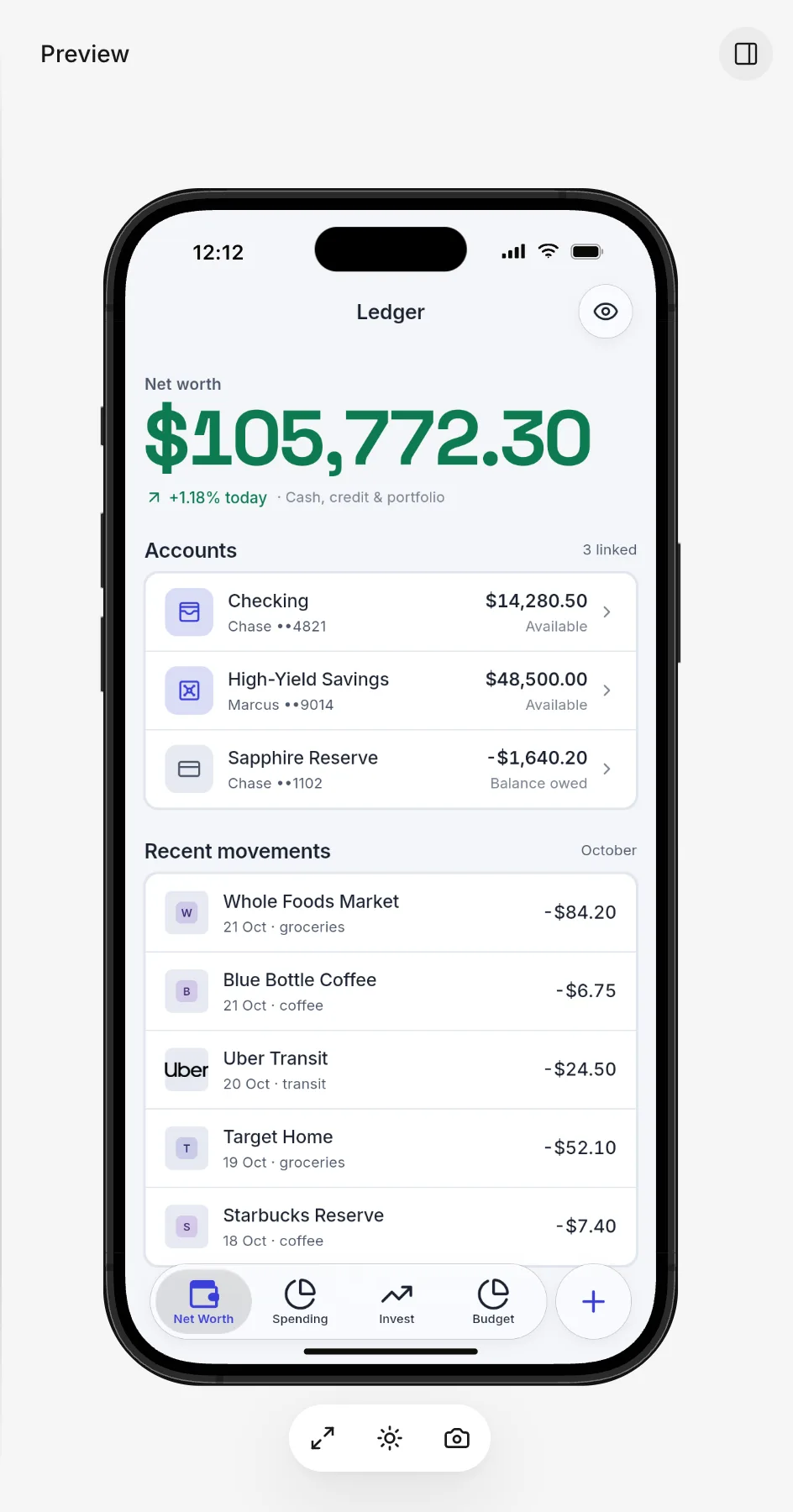
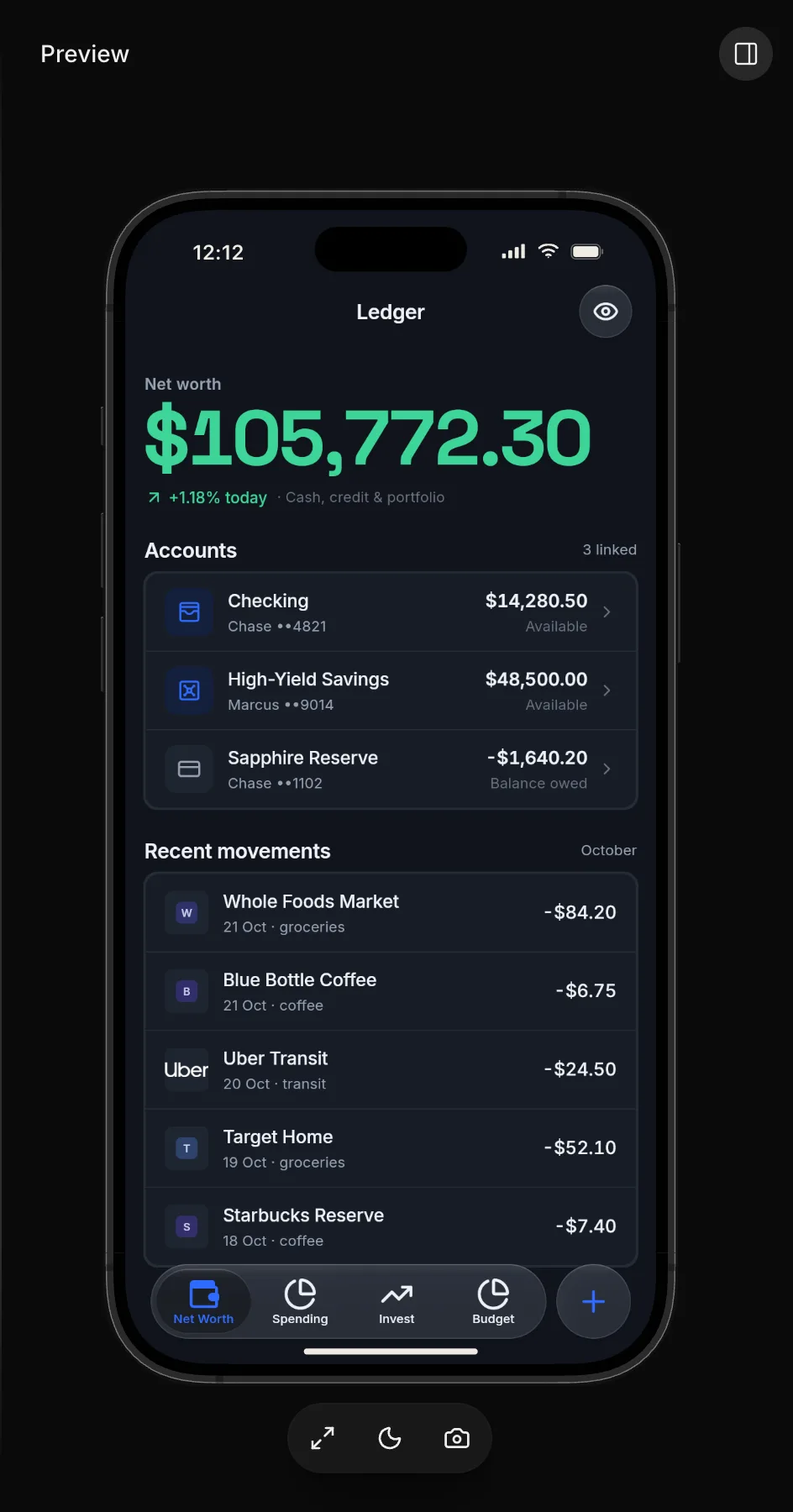
On a computer, in a window at least 768 pixels wide, the preview shows your app inside an iPhone frame. In a narrower window, or on a phone, it shows your app at the window’s own width, with no frame.
To preview your app on an Android phone, open FlutterFlow in the phone’s browser. The preview fills the screen, the same as on any phone. On a computer, the preview has no Android phone or tablet frames. To install your app on an Android phone, see Android test build.
Which browsers work
Some browsers can’t do every action in FlutterFlow. For example, a browser might not resize an image that you attach to a message. In that case, FlutterFlow says that the image “could not be resized in this browser.” If a sign-in message asks you to allow pop-ups or cookies and site data for FlutterFlow, allow them in your browser settings and try again.
Language
FlutterFlow’s own screens are in English. The Language panel in your app’s store listing sets the language that the listing is written in. It doesn’t translate your app. See Listing language.
What your app is built with
Your app is a Flutter app written in Dart. FlutterFlow sets the Flutter version for every app.
For more about how FlutterFlow builds your app, see For developers.