How the backend works
Backend shows everything your app keeps: the records in its tables, the people who signed up, its files, and the secrets it uses. You work with your app’s backend in Backend and in threads.
Your first version comes with a backend: a table for each kind of record your app shares or keeps across devices, filled with starter data, and sign-in with an email and password. When people can add pictures to a record, its sample pictures are saved in Backend › Files, along with the ones people add. To change any of this, ask the agent in a thread.
What Backend keeps
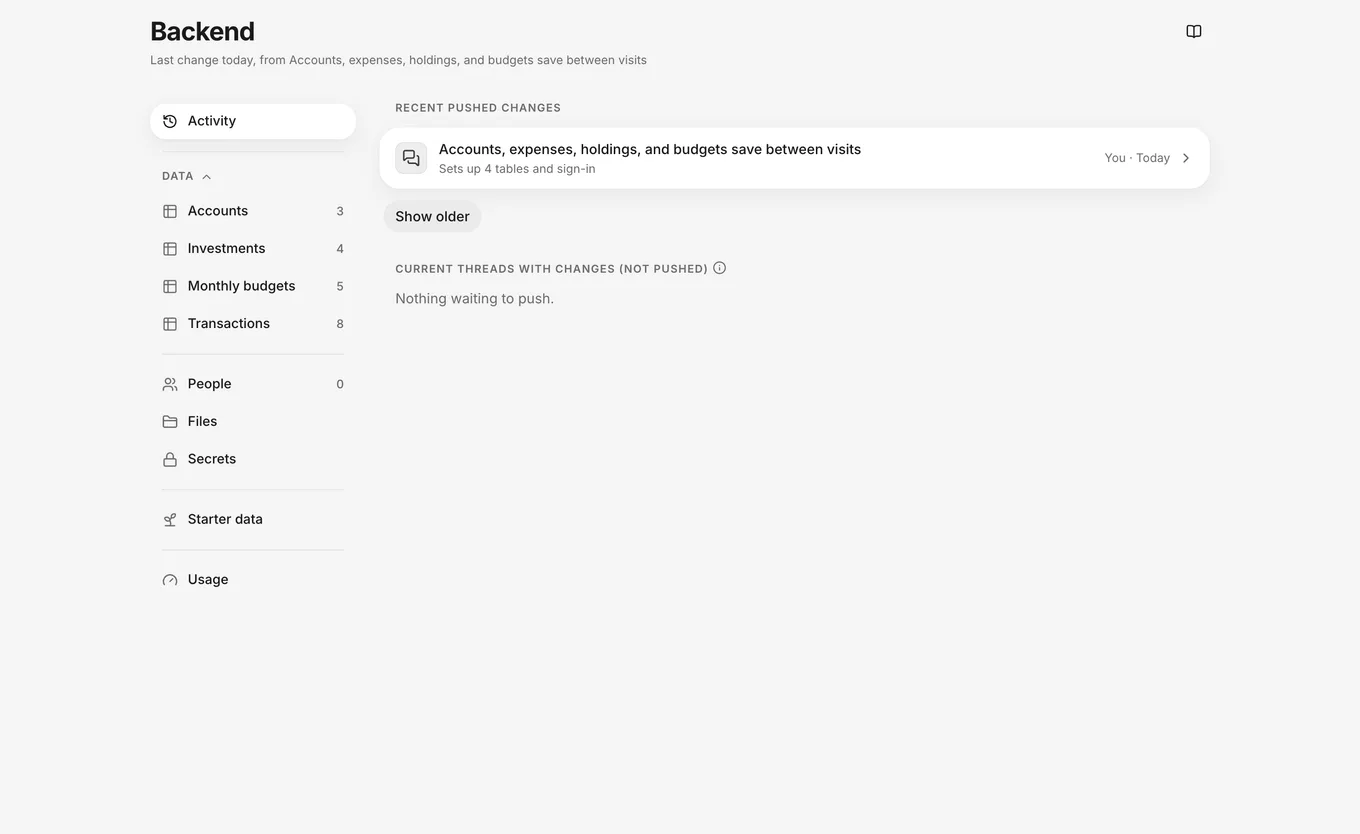
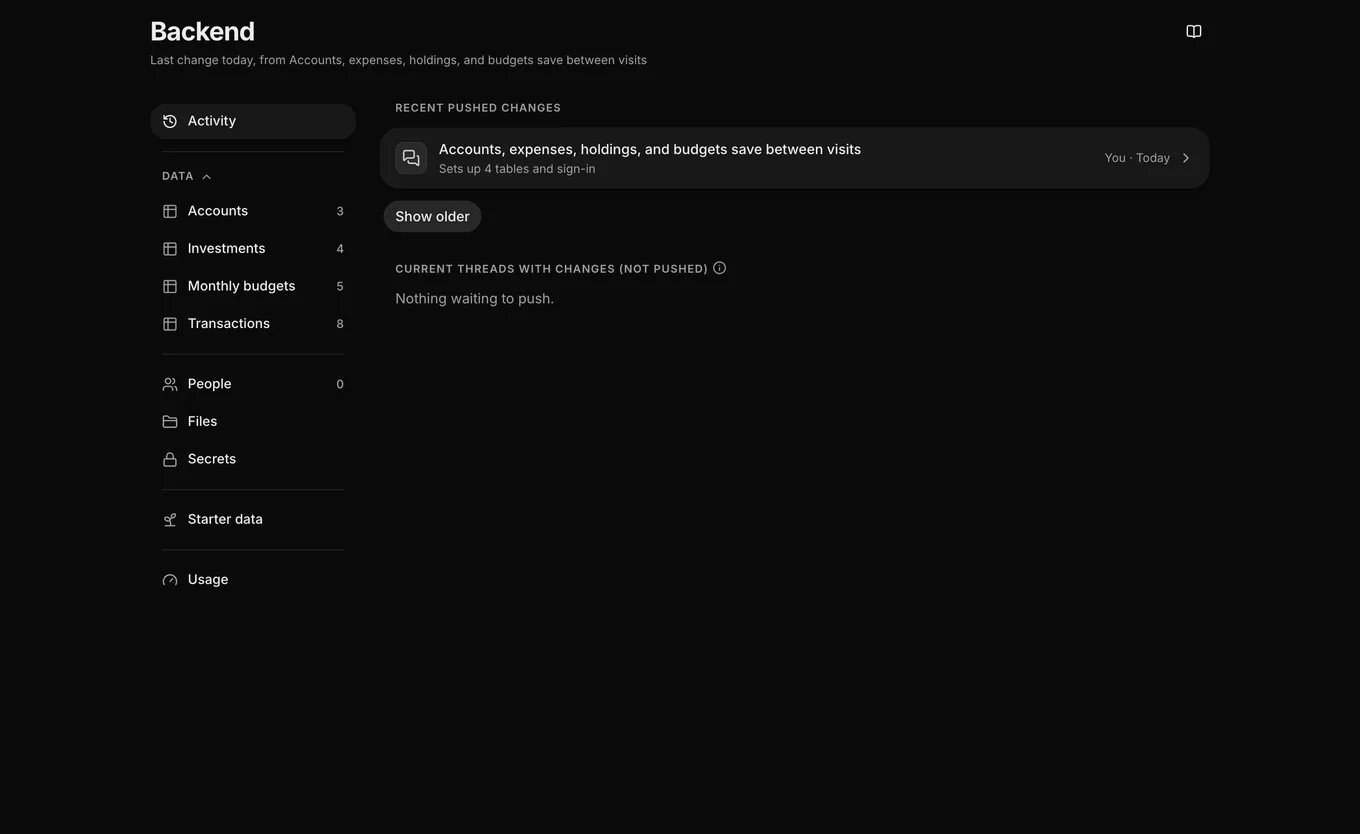
The Backend menu lists each part of what your app keeps:
| Part | What it shows | Learn more |
|---|---|---|
| Activity | Every change pushed to your app’s backend, and what each thread is changing in it. | Backend activity |
| Data | One item for each of your app’s tables, with the table’s records. | Records and Tables and fields |
| People | Everyone who has signed up for your app. | People |
| Files | Photos and documents that your app has saved. | Files |
| Secrets | Private keys that your app uses to reach other services. Their values stay hidden. | Secrets |
| Starter data | The data that every new thread starts with. | Thread data |
| Usage | How much your app uses its backend this month. | Backend usage |
A dot next to a menu item means that an open thread is changing that part of the backend.
The records in Backend are your app’s live data. Each thread works on its own copy of your starter data, so trying things in a thread never changes your live data. To learn how the copies differ and when starter data reaches your live data, see Live, thread and starter data.
Data here, setup in threads
Where you make a change depends on whether you’re changing your app’s data or the backend setup:
- Your app’s data: in Backend, you add and change records and secrets, edit people’s details, and upload files. When your app signs people in with an email and password, you can also add people. Saving a record updates your live data immediately.
- Backend setup: a table’s Fields, People › Sign-in, and Files › Rules show this setup, and you can’t edit them in Backend. To change them, click Ask for a change at the end of the view. A new thread opens with the start of a request in the composer for you to finish and send. The change reaches your app when you push the thread. To learn how, see Push.
Only owners and developers can change the backend.
Backend header
The Backend header shows a status line and a guide button:
- Status line: one line that states what open threads are changing in the backend, warns when part of your backend usage reaches 75% of its allowance, or shows when the backend last changed.
- Guide: How the backend works opens a three-step guide: Everything your app keeps, Change records right here, and Setup changes come from threads.
What each role sees
Your role on the app determines what Backend shows. Owners and developers see every part of your app’s backend. They can edit records, secrets, and people’s details, and upload files. Starter data changes only in a thread.
For viewers and billing members, a chip at the top of Backend names the limit. Each limit has its own chip:
- View only: viewers can’t change anything, and the menu omits People, Files, and Secrets.
- Usage only: billing members see only Usage, without a status line in the header.
To see what the role allows, click the chip.
For more about roles, see Team roles.
Not available
For the data features that FlutterFlow doesn’t have, see Import and export. For the other features that FlutterFlow doesn’t have, see Not available.