FlutterFlow and FlutterFlow Studio
FlutterFlow and FlutterFlow Studio are two app builders from FlutterFlow. In FlutterFlow, you describe your app, and the agent builds it. Studio is our visual builder, for designing screens and logic by hand.
Two products
FlutterFlow and FlutterFlow Studio are separate products with different ways to build an app:
- FlutterFlow: you describe your app and ask the agent for changes in threads, and the agent builds them.
- FlutterFlow Studio: you design screens and logic by hand in a visual builder.
Which one you’re using
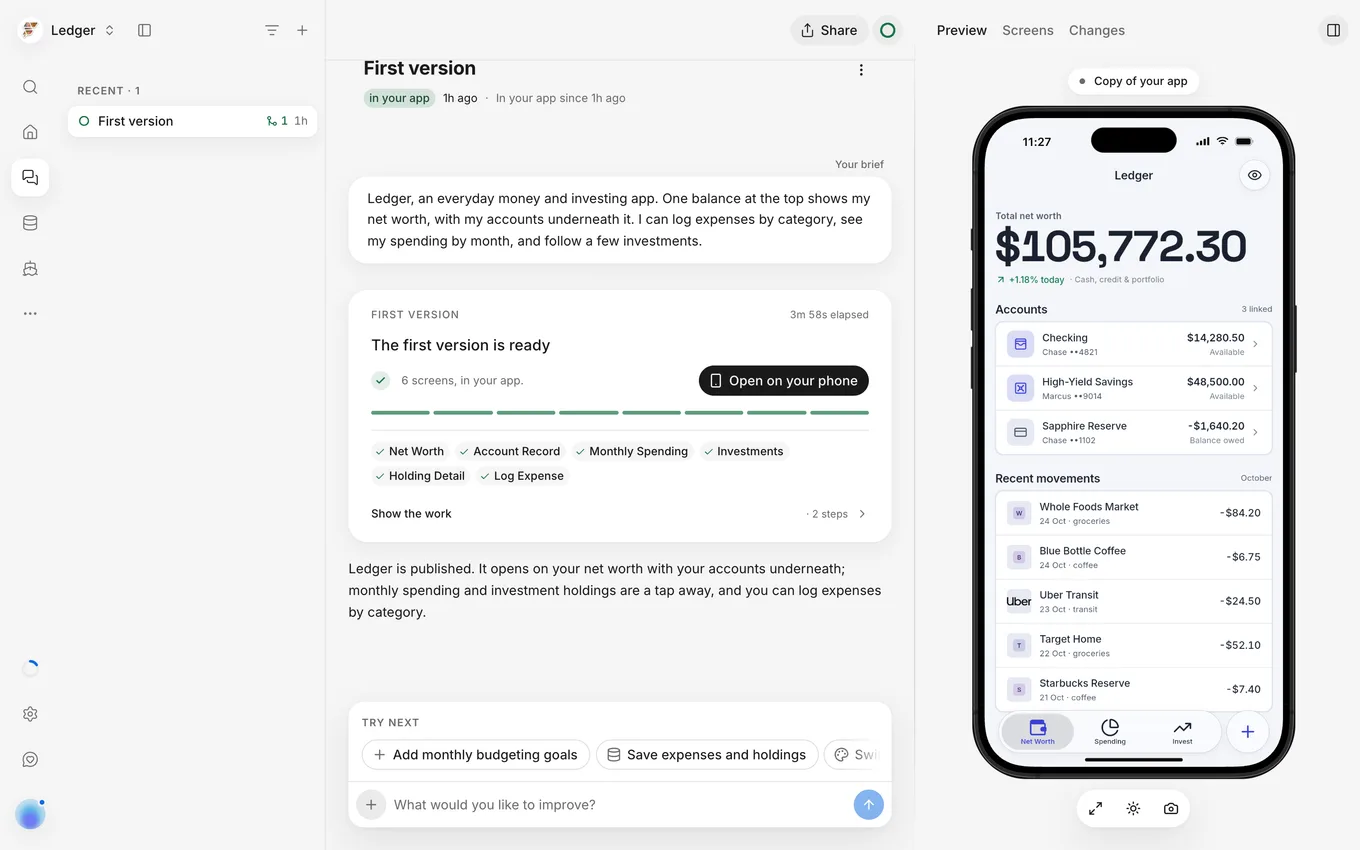
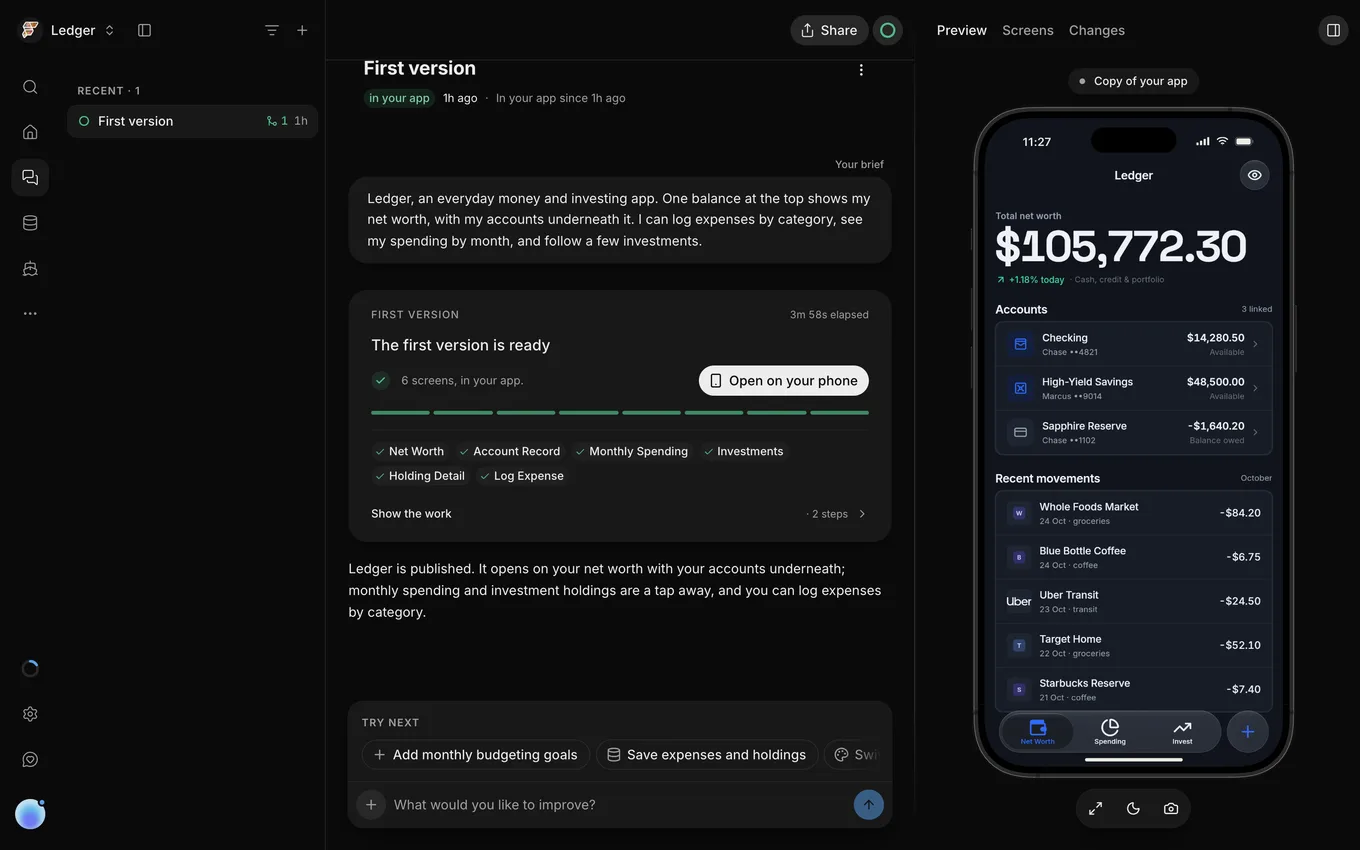
You can recognize FlutterFlow by its threads. On a computer, FlutterFlow shows your app’s threads alongside a phone preview running your app.
FlutterFlow and FlutterFlow Studio are at different web addresses. To sign in to FlutterFlow, open FlutterFlow.
One account
You can sign in to FlutterFlow with your FlutterFlow Studio account. It’s the same account, so you don’t need an invitation. Anyone can also create a new FlutterFlow account with any email address.
The first time you sign in with a Studio account, FlutterFlow shows Welcome to the new FlutterFlow. To describe your app, select Start building. To open Studio in a new tab, select Your projects are in FlutterFlow Studio. On a computer, Home also shows Open Studio beside your account menu.
FlutterFlow’s terms of service and privacy policy are on the FlutterFlow website.
One subscription
FlutterFlow and FlutterFlow Studio share one subscription, so canceling your FlutterFlow plan also ends the included Studio plan (for example, canceling Pro ends Studio Growth). When you cancel a paid-up plan, it remains active through the end of your billing period and then switches to Free. The cancellation dialog shows your end date, the Studio plan that ends with it (such as “This also ends FlutterFlow Basic.”), and any Studio team on that plan.
For more information, see One plan with Studio.
Bring a Studio idea
To build an idea from FlutterFlow Studio in FlutterFlow, start a new app from a prompt. For more information, see Not available.
Which one to use
Choose between FlutterFlow and FlutterFlow Studio by how you want to build:
- To build an app by describing it, use FlutterFlow.
- To design screens and logic by hand, use Studio.
Docs
FlutterFlow and FlutterFlow Studio each have their own docs:
- For FlutterFlow, see Start here.
- For Studio, go to the Studio docs home page (FlutterFlow Studio docs).