Backend usage
Backend › Usage shows your app’s backend usage: how much its backend reads and writes, and how close each amount is to any limit it has.
Check usage
To see this month’s backend usage:
- Open Backend.
- Select Usage.
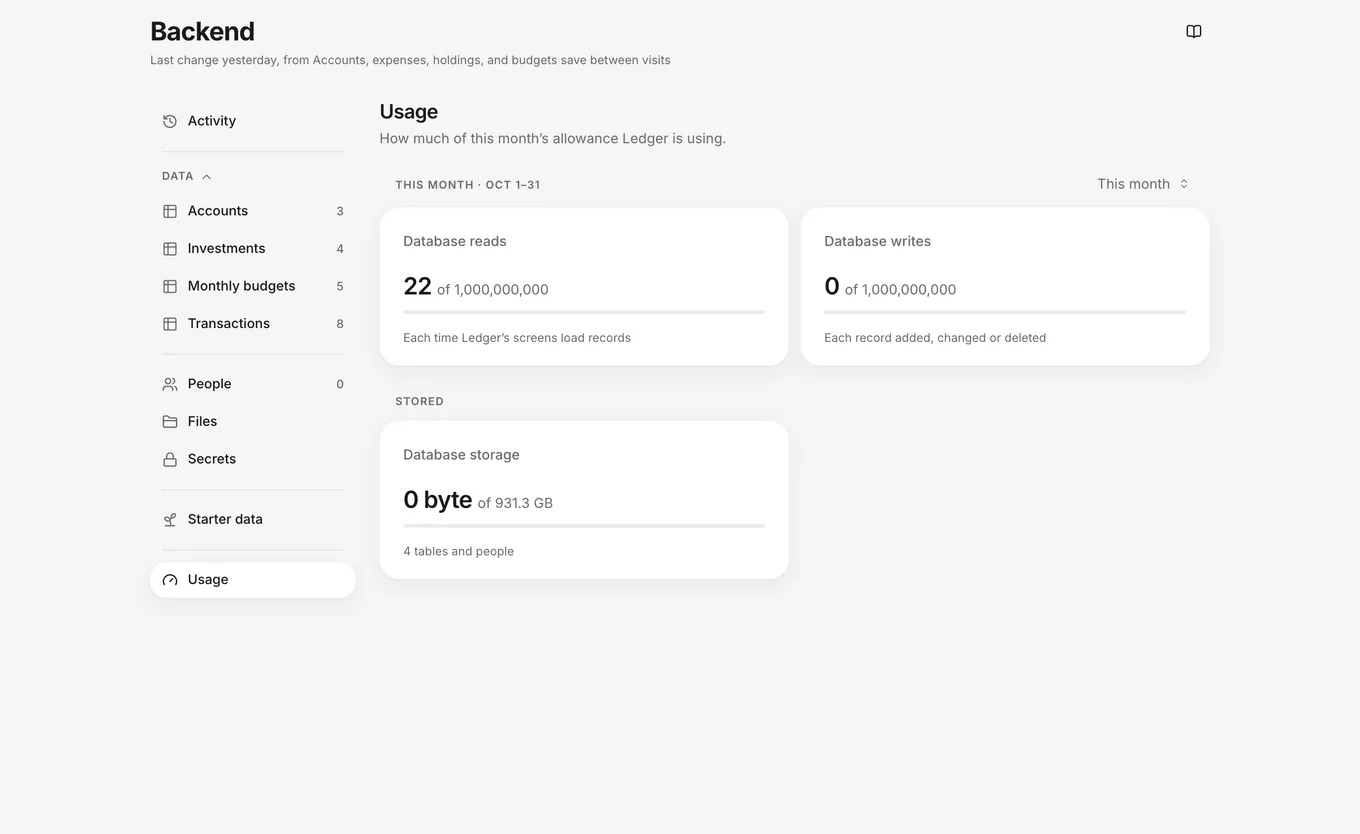
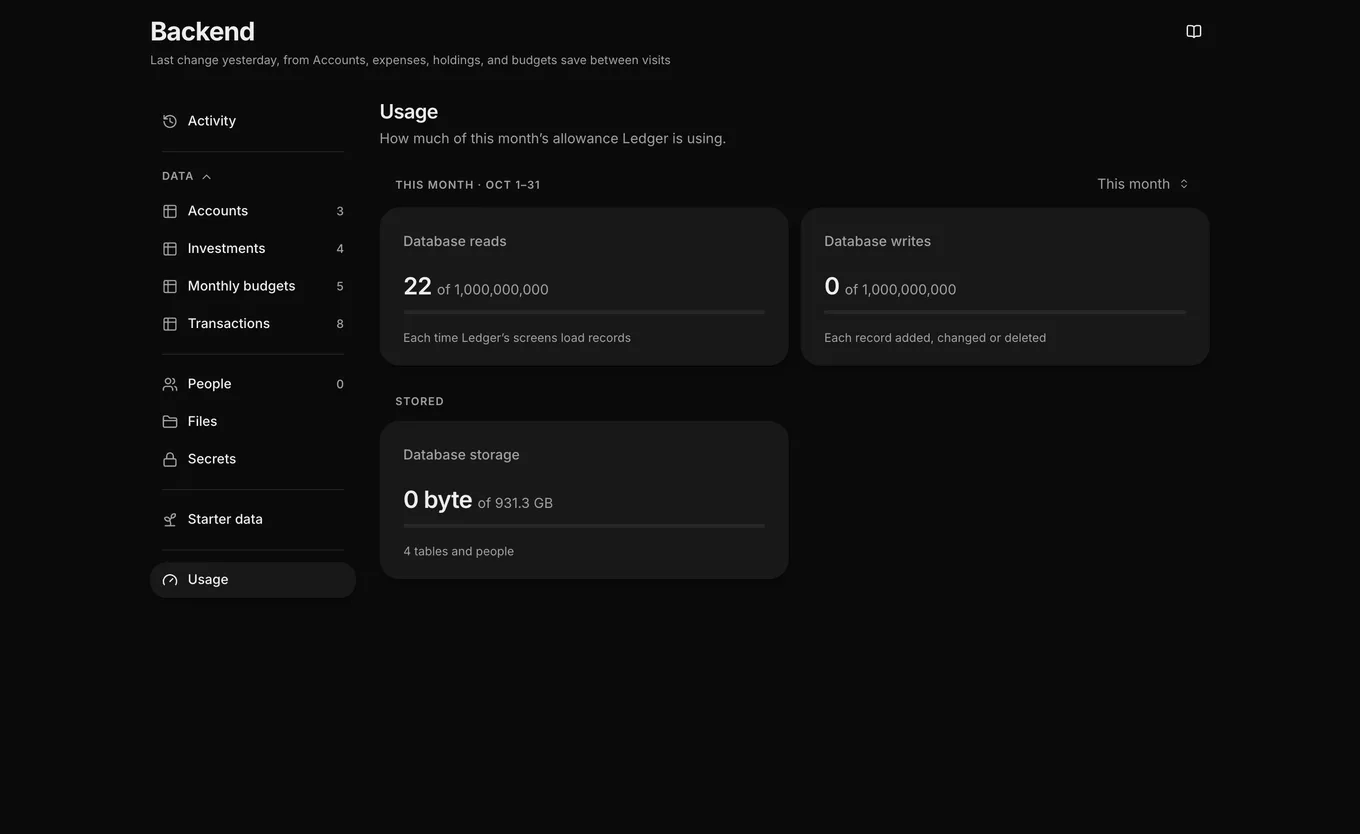
Result: Usage shows its meters in groups:
- This month: Database reads and Database writes since the first of the month (UTC). The group’s label includes the month’s dates, such as This month · Oct 1–31.
- Stored: Database storage, and File storage when your app has a folder for files or has stored files.
- Live updates: Live updates counts this month’s messages to and from screens that watch records or lists. Live connections counts the screens that are connected for live updates. This group appears when your app has used live updates this month or has screens that are connected for live updates.
Each meter shows the amount used. When a meter has a limit, it also shows the limit and a bar that shows how full the meter is. The bar changes color as it gets close to the limit.
Earlier months
To see the totals for an earlier month:
- In Backend › Usage, open the month menu next to This month.
- Select a month.
Result: The first group shows that month’s totals for Database reads and Database writes, and its label names the month and its dates, such as September 2026 · Sep 1–30. Stored and Live updates still show the current amounts. To return to the current month, select This month.
High-usage warnings
When Database reads, Database writes, Database storage or File storage reaches 75% of its limit, the line under the Backend title warns about the fullest of them, such as “Reads are at 82% of this month’s allowance”. For a storage meter, the line reads like “Database storage is at 80% of your allowance”. If an open thread is changing the backend, the line describes that change instead. Billing members don’t see this line.
Monthly reset
Monthly meters, such as Database reads and Database writes, start over on the first of each month (UTC).
Usage and allowance
The Backend header’s warning, such as “Reads are at 82% of this month’s allowance”, and the line under the Usage heading are about your app’s backend usage, not your allowance for the agent. The two are separate:
- Backend usage belongs to one app: what its backend reads and writes. Everyone on your app’s team sees the same usage numbers in Backend › Usage.
- Your allowance is your own budget of agent work, across all your apps. Plan & usage shows how much is left and when it resets. See Plans, prices and allowance.
Your app’s backend can have usage limits, such as on Database reads and Database writes. Check your current usage in Backend › Usage.
Troubleshooting
- If Usage shows “Usage could not be read.”, click Try again.
- If your app can’t load or save records, see Your app can’t load or save records.